
The cheap part is the card; the questions are the issuer and the country list
 Available in US
The Gate card is not really a bank card in the ordinary sense. It is a payment card attached to a crypto exchange account, meant for spending a crypto balance the way you would spend money in a wallet. That tells you most of what matters, both the good and the awkward: the fees on the card itself are low, the machinery around it is heavy, and the two questions people actually care about — who can get one, and whose money sits behind it — are answered only vaguely by the card’s own pages.
My score for the Gate card is 6.8 out of 10. That is not a bad card. It is a card with a real gap in the middle: costs on the scale of 8, everyday use of 8, and then a 5 for reliability, because the card works, and people still write in to complain.
The conditions described here are current as of October 28, 2026.
| Criterion | Mark | Why, in short |
|---|---|---|
| Who can get it | 6 / 10 | Available only in “non-restricted countries or regions” — the list itself is not named anywhere on the card pages |
| Cost | 8 / 10 | Standard card: virtual and physical issuance free, no monthly fee, no inactivity fee; crypto conversion 0.90%, FX outside USD 1.00%, ATM 2%, replacement 25 USD |
| Top-up options | 7 / 10 | Instant Spend Mode covers USDT, BTC, ETH and GT; prepaid mode widens the list, but the networks behind it are not disclosed |
| Reliability and complaints | 5 / 10 | Issuer not officially named; the exchange scores 1.5 out of 5 on Trustpilot, and card reports include cashback pauses and slow replacements |
| Everyday use | 8 / 10 | Virtual card straight away, physical card too, 2% ATM fee, and a help article on adding it to Google Pay and Apple Pay |
| Total | 6.8 / 10 | Strong on price and use, weak on clarity about who stands behind the card |
Who this suits: you already keep money on the Gate exchange, you spend in USDT, BTC or ETH anyway, and you want a card that does not charge you monthly for existing. Who it does not suit: you need to know exactly which bank stands behind your money, you are in a country the card pages never name, or you are comparing cashback programmes rather than spending.
Will they give you the card
The honest answer is: it depends on where you live, and the card will not tell you directly.
The card page says the card is available only to users in “non-restricted countries or regions”. That is the entire published rule. There is no list attached to it. So if you live somewhere and the sign-up flow lets you proceed, that is the only answer you get from Gate; if it stops you, likewise. Whether Gate looks at your citizenship, your residence, or both is not stated, and that matters more than it sounds — sanctions screening is usually applied to citizenship and country of birth as well as to your address, so a resident of a supported country with a passport from a restricted one can be treated differently from someone with the same address and a different passport.
Third-party directories fill in some of the gap, but treat them as unofficial and unconfirmed by Gate. One of them, dated 11 August 2026, lists the Classic card in 24 countries: Belgium, Bulgaria, Croatia, Cyprus, Czech Republic, Denmark, Estonia, Finland, Greece, Hungary, Iceland, Ireland, Italy, Latvia, Liechtenstein, Lithuania, Luxembourg, Norway, Poland, Portugal, Romania, Slovakia, Slovenia, Sweden — and lists the US, UK, Germany, France and Canada among the missing. Another directory adds Austria and Spain and leaves out Italy and Lithuania. Two unofficial lists that disagree about countries is exactly the situation where you should read the terms yourself rather than trust a table.
So check the list yourself first. It is the first question, because a card you cannot get is not a card worth scoring.
How to get it
The route is short, and every step of it is a check.
You need a Gate account, then Level 2 identity verification, then you apply for the card inside the app. The card page’s own words: users must complete Level 2 identity verification and provide the required identification documents. Some card types also ask for proof of address from the past three months. There is a separate help page on KYC levels that lays the mechanics out more fully: the application needs a linked email address and phone number and a completed KYC, and the card application must use the same identity document as your Gate KYC — enter your ID, facial information and address in the app. Your age requirement is not stated anywhere I could find.
The reason rejection reasons are not listed is worth thinking about, because it means you will not know in advance what went wrong. If an application fails, the useful thing to do is ask support with the exact document numbers you submitted.
Two card forms are on offer. There is an “Instant Virtual Card”, reviewed typically within three to five minutes, and a physical card. The card “primarily supports the Visa or Mastercard network” — the page does not commit to which one for your card, and does not say what currency it is denominated in. In prepaid mode the funds are converted to the corresponding fiat currency. Whether any metal card exists is not stated on the pages I read.
Delivery is the part with the widest spread. The card page says a physical card “usually it takes around 7 to 45 days” depending on your country of residence. If it has not arrived after 45 days, the page tells you to confirm your address with support and use “Resend”. An unofficial estimate from the same third-party directory puts delivery at 15 to 45 days where supported; the official help page’s 7 to 45 days is the number to plan around. Countries served are not listed.
So: virtual in minutes, physical in three weeks to six weeks, and the whole thing gated on a Level 2 check that the card page describes in one sentence.
Fees
This is the part the card does well, and the part you can actually check before you commit.
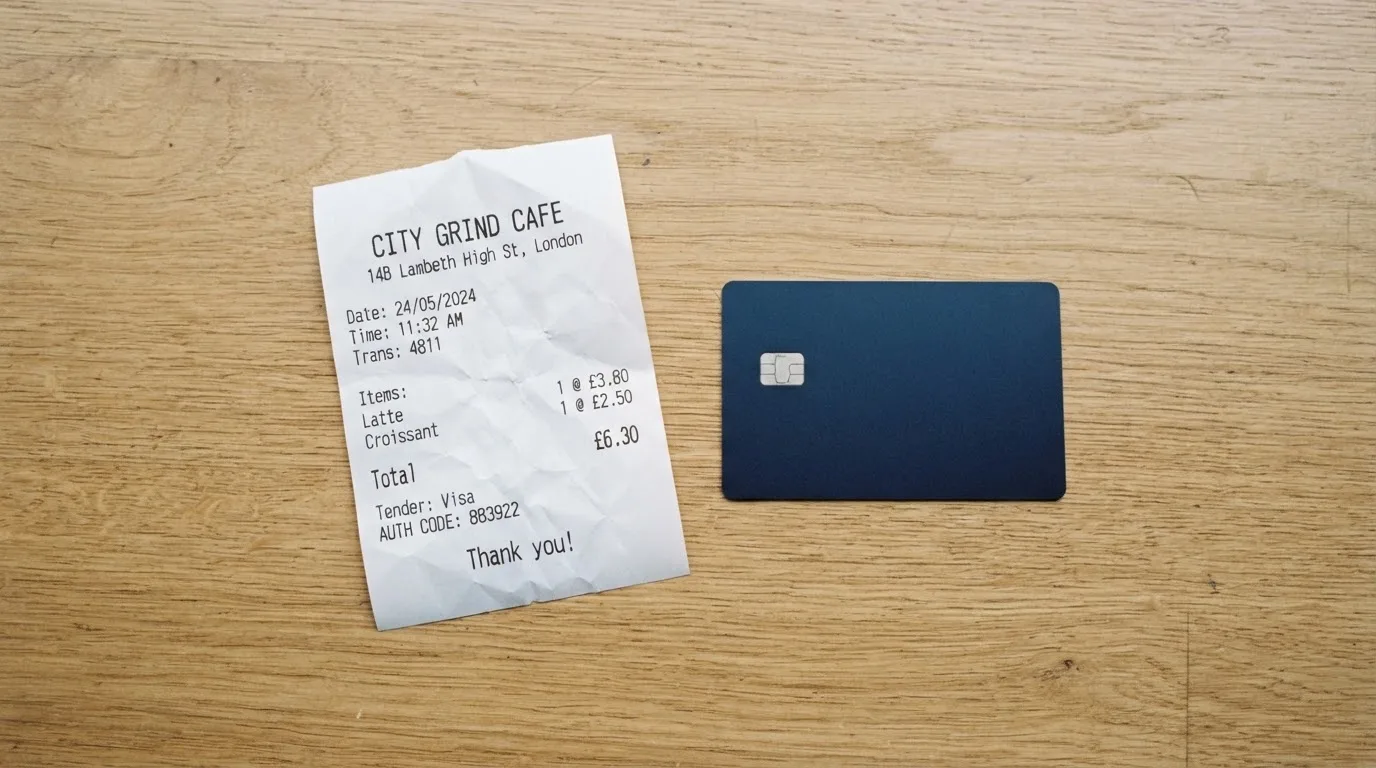
The Standard card is the one the published fees describe. Issuing a virtual card is free. Issuing a physical card is free. There is no monthly fee. There is no inactivity fee. That combination is genuinely unusual in this category, and it means holding the card costs nothing.
The charges appear when you spend, and they are specific:
- Crypto conversion on the Standard card: 0.90% for transactions of 2 USD or more, and 0.05 USD below 2 USD. That flat 5-cent charge on small purchases is worth noticing — it is proportionally enormous on a 20-cent coffee, and negligible on anything else.
- Foreign exchange outside USD: 1.00%.
- ATM cash withdrawal: 2%, with daily limits of $5,000 across up to 10 withdrawals, monthly $15,000 across 100, yearly $50,000 across 1,000, and $5,000 per transaction.
- Spending limits: $50,000 daily and $990,000 monthly, and the fee page says these are identical for all tiers T0 through T4. Higher limits are available on request to [email protected].
- Replacement card: 25 USD. Chargeback: 30 USD on the Standard card’s fee table.
| Fee or limit | Standard card | What it means for you |
|---|---|---|
| Virtual card issuance | Free | No cost to start |
| Physical card issuance | Free | No cost for the plastic |
| Monthly fee | Free | Holding it costs nothing |
| Inactivity fee | Free | Not paying a penalty for a quiet month |
| Crypto conversion | 0.90% (2 USD or more); 0.05 USD below 2 USD | The flat 5 cents is the sting on tiny payments |
| Foreign exchange, non-USD | 1.00% | Paying abroad costs an extra point over the network rate |
| ATM withdrawal | 2% | With the network’s own rate on top, if the ATM adds one |
| ATM limits | $5,000 daily (max 10); $15,000 monthly (100); $50,000 yearly (1,000); $5,000 per transaction | Plenty for cash, capped for anything bigger |
| Spending limits | $50,000 daily, $990,000 monthly, all tiers T0–T4 | Higher available by request |
| Replacement | 25 USD | Relevant if it is lost or eaten by an ATM |
| Chargeback | 30 USD | Charged on the Standard card’s fee table |
Two everyday payments, so you can feel what the percentages do.
You buy lunch for 12 USD. The card converts the crypto, and 0.90% comes off — about 11 cents. Nobody notices this. A month of that is roughly a dollar and change, which is what a free monthly fee would have cost you, so the “free” card is not free to use, it is just cheap.
You buy something for 400 EUR priced in a currency other than USD. Now there are two layers: the 1.00% foreign exchange fee on the non-USD side, and whatever spread sits in the conversion rate. The card page describes conversion only as running “according to the card rules and applicable exchange rates” — the general wording — and does not promise a rate, so the total you pay abroad is the stated percentage plus a rate you are not shown. That is the number to watch if you travel.
What the card pages do not give you, plainly: an overall fee table for the general card, minimums and maximums outside the Standard card, a free ATM allowance, and the currency of the card itself are all not stated. An unofficial comparison of variants puts a prepaid variant at 0.9% top-up charge, a 10 USDT first-load minimum, 2% refund charge, a $1 reversal fee, a $35 chargeback fee, a $0.10 Apple Pay authorisation charge, and a 2 USDT virtual-card fee below VIP 5 unless waived — none of which Gate’s own card page confirms, and all of which differ from the Standard figures above. Read those as a warning that “Gate card” is more than one product, not as a price list.
Top up
Topping up is where the card’s design shows through, and where the wording matters.
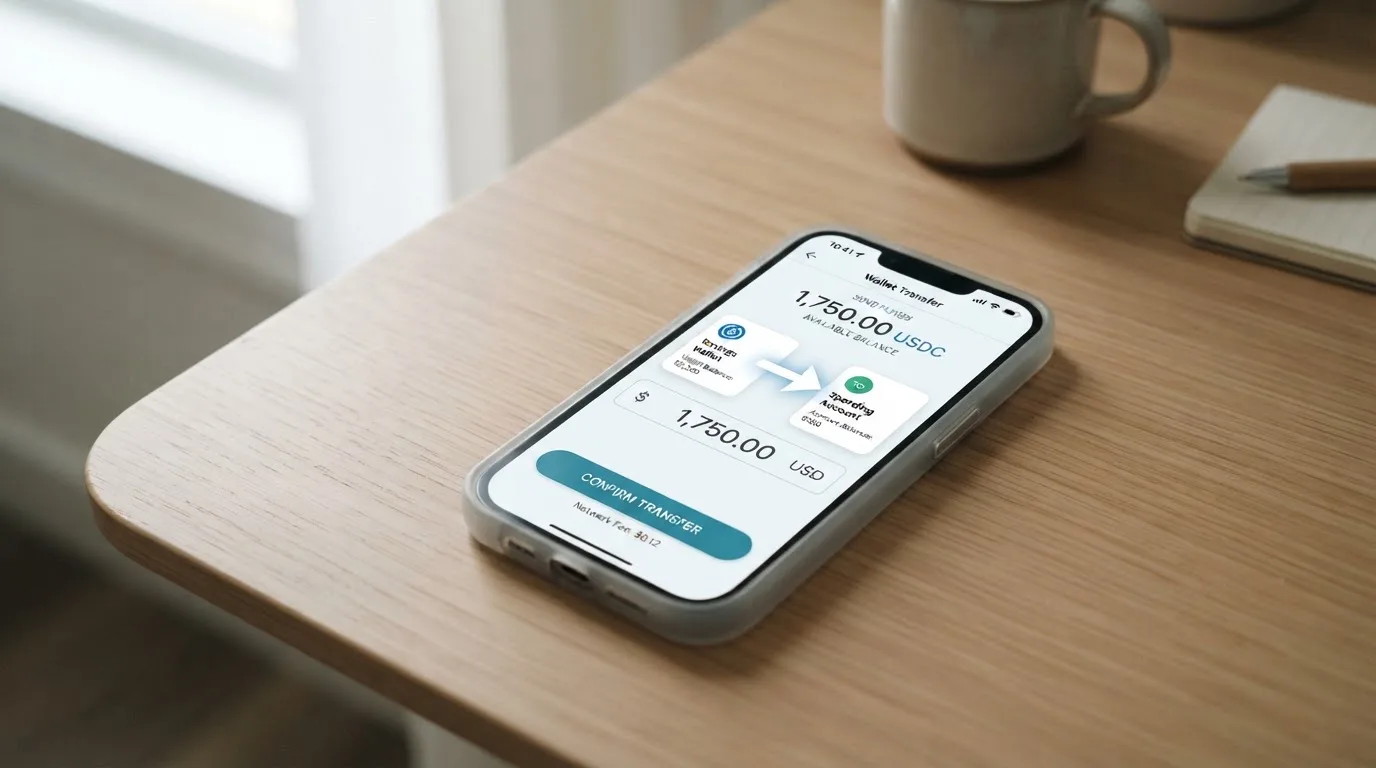
Instant Spend Mode is the straightforward one: the card spends USDT, BTC, ETH or GT straight from your exchange balance. In prepaid mode the choice is wider, though what is available varies by card, by issuer and by region — and the networks involved are not stated anywhere, which I would want to know before sending anything.
The mechanism that catches people is this: prepaid mode converts funds from Gate Pay or Spot into fiat. You are not spending crypto at the till; you are loading a balance and the card spends that. The Standard card’s crypto conversion fee of 0.90% applies to transactions of 2 USD or more, and 0.05 USD below 2 USD. A top-up fee is not listed, and neither is a minimum top-up.
There is a “Card Balance Withdrawal” headline on the card page pointing to an announcement that I did not read, and the card balance is linked to the Gate Pay payment account. Whether you can close a card balance, and how, is not stated.
So the answer to “how do I put money on it” is: transfer into the right balance, in one of four named coins or through the prepaid route, on a network the pages do not tell you. That last gap is the one to close before your first transfer.
Paying with it every day
Day to day, this is the card’s best half, and it scores 8 for a reason.
The virtual card arrives within three to five minutes of approval, so you can be paying in the same hour. A physical card comes separately. You spend directly from your exchange balance without a separate top-up in Instant Spend Mode, which removes a whole step that trips people up on other cards.
There is a Help Center article titled “Add Your Gate Card to Google Pay & Apple Pay”. The article body I did not read. What the card page itself says about Apple Pay and Google Pay is not stated, and neither is the list of blocked merchant categories — which is the list that decides whether you can pay for a hotel, a car hire or a ticket, so if those matter to you, ask.
On wallets, unofficial sources split: one Classic FAQ describes Google Pay only, while Standard and Signature help pages describe both Apple Pay and Google Pay. Take that as a reason to try the one you want and see.
Rewards are the most confusing corner. Up to 8% cashback on eligible purchases depending on card tier is the headline. The FAQ says rewards are issued as points, redeemable for USDT or GT; a banner says cashback in BTC, ETH, USDT or USDC. Those two statements do not agree, and caps and conditions are not stated. Third-party numbers for Classic tiers by monthly spend run: T0 at 0 USDT spends 1% capped at 5 USDT, T1 at 500 USDT 1% capped at 50, T2 at 3,000 USDT 2% capped at 100, T3 at 6,000 USDT 3% capped at 150, T4 at 10,000 USDT 5% capped at 250, T5 at 15,000 USDT 8% capped at 400, with 100 points to 1 USDT and points not expiring — all unofficial, dated 11 August 2026, and not confirmed by Gate.
The Help Center lists card families — Classic and Platinum, Standard, Signature, and Essential, AI Elite and Heritage — and per-tier perks and any metal card are not stated on the pages I read.
One warning about a card from this category: the issuer can restrict a tokenised number, for example blocking it on magnetic-stripe, phone or website use, and declined authorisations can leave a hold on funds for several days, typically up to seven. That is the network’s behaviour, not Gate’s, but you feel it through this card.
What can go wrong
The risk section is the one I keep coming back to, and it starts with a fact that is missing rather than present.
Gate describes the card as “a digital assets credit card offered by Gate”. The issuer, the entity whose name sits on the BIN at the top of your card number, is not named — the page refers only to “the issuing institution’s review”. Licences are not named on the card page. Gate has joined the Mastercard Crypto Partner Program, which tells you about a partnership and not about who holds your funds. Unofficial sources name Stanhope Financial UAB as the EEA issuer and Lead Bank with Bridge as programme manager for the US — treat those as third-party claims Gate does not confirm on the page.
Why this matters mechanically: a card number starts with a six- or eight-digit issuer identification number, and a merchant can look it up and see which institution and country issued the card. If that country differs from your billing address, the merchant may apply extra scrutiny, and some merchants decline prepaid or foreign-issued cards outright. So “which bank is this” is not a vanity question — it shapes where the card gets accepted.
Then the handling of the card itself. A lost or stolen card can be “temporarily” frozen. Cards are often frozen after several wrong PIN entries. The PIN is changeable in the Gate Card app. And a negative card balance “will risk having your card getting permanently blocked”. Custody arrangements, two-factor authentication and any insurance are not stated.
On complaints: no official incidents found on the card page, and no Gate Card-specific complaint threads found. But the exchange’s reputation is the backdrop. Trustpilot gate.com sits around 3.5 out of 5 from roughly 121 reviews, mostly about non-card services, with one card-data complaint resolved by support. Trustpilot gate.io, the exchange listing, runs about 1.5 out of 5 from around a thousand reviews, with accounts restricted without explanation and deposits and trading suspended. A third-party reading of the same listing puts Gate at 1.5 out of 5 from about 1,400 reviews with 77% one-star — account access, withdrawal checks, verification, support delays. Exchange-wide, not card-specific, but the people who freeze accounts are the same people who answer your chargeback.
Card-specific reports do exist, and they are small-sample: a cashback pause from June 2024, a card retained by an ATM with a delayed replacement, card funds inaccessible for six days, merchant refund delays and five-to-six-week waits for chargeback responses, and cards frozen after small purchases. That last one is the one I would flag hardest, because it is also the one the card page itself warns about with the negative-balance rule.
Support is [email protected] plus the Help Center; hours and languages are not stated.
Disputes have a shape you should know before you need it: contact the merchant first, then start a chargeback through Gate with proof of your merchant communication. A $25 processing fee “typically applies” regardless of outcome — and the Standard card’s fee table says chargeback 30 USD, which is one more number to reconcile. It can take “sometimes up to 3 months”. There is no separate refund timeline, and pre-authorisation holds are released after the service ends.
On the wider category, since it bears on the same question: a card programme can be closed. Visa terminated its global agreements with FTX on 13 November 2022 and the FTX US debit card was wound down; WaveCrest, a Visa issuer that supplied crypto card brands, was suspended by Visa in Europe in 2018, closing all WaveCrest-issued Visa programmes. Closures typically run a notice period, then stop spending and loading, then ask users to withdraw remaining balances. And it is worth knowing that in the EU an electronic money institution can issue e-money and cards but cannot lend, and must safeguard customer funds in dedicated accounts or insure them — those funds are not bank deposits and are not covered by deposit guarantee schemes.
What to take instead
Nothing here replaces Gate; these are the cards I would put next to it, so you can see which side of the trade-offs you prefer. All scores are on the same ten-point scale as Gate’s 6.8.
| Card | Score | Where it works | What it costs you |
|---|---|---|---|
| Gate | 6.8 | “Non-restricted countries or regions” — list not named | Free to hold; 0.90% conversion, 1.00% FX outside USD, 2% ATM |
| Coinbase Card | 6.4 | US states except Hawaii only | Zero spending fees, no annual fees; a spread applies when Coinbase converts crypto |
| OKX | 6.2 | EU plus Norway, launched 28 January 2026; Iceland and Liechtenstein excluded | No card fee, no transaction fee, no OKX FX fee; conversion spread 0.1% per an explainer dated May 2026, against 0.4% market spread in the launch release |
| Bybit Card | 6.0 | Argentina, AIFC (Kazakhstan), Georgia, Kazakhstan, Australia, Mexico, Brazil, Peru, Asia Pacific | Virtual issuance free everywhere; physical varies from 5 USD to 29.99 USD; FX fee from 1% Peru to 7% Argentina |
Coinbase Card, at 6.4, is the simplest thing in this list. It is a Visa prepaid debit card, virtual or physical, available in all US states except Hawaii, spending cash or crypto, with all crypto converted to US dollars for purchases and ATM withdrawals. Zero spending fees, no annual fees. You fund it by linking a bank account or depositing part of a paycheck into Coinbase with zero fees, and optional crypto rewards sit on every purchase for US card users at a variable rate you choose in the app. If you are in the US, this is the version of the idea with none of the country ambiguity.
OKX, at 6.2, is the European card. A Mastercard, euro-denominated virtual debit card linked to OKX Pay, issued through an unnamed European licensed payment provider, with no physical card mentioned. No card fee, no transaction fee, no OKX FX fee, and a conversion spread quoted at 0.1% by an explainer in May 2026 against 0.4% in the launch release — the older number is the launch one, so treat 0.1% as the newer claim and the disagreement itself as the point. Funding is USDC or USDG held in OKX Pay, other coins converted first, no auto top-up, payment declined if the balance is short. Cashback is on USDG purchases only and USDC earns none: Regular 2% capped at EUR 10, VIP1 4% at 300, VIP2 4.5% at 450, VIP3 5% at 1,000, VIP4+ 10% at 1,000, with the text saying 2–5% against a table saying 10% — the page contradicts itself.
Bybit Card, at 6.0, is the widest map and the most complicated fee sheet. Its help centre covers Argentina, AIFC (Kazakhstan), Georgia, Kazakhstan, Australia, Mexico, Brazil, Peru and Asia Pacific; if your country is unsupported, Bybit says it will register your interest. The cards page is blunt about Europe: “This product is not meant for European Economic Area customers. All European Economic Area customer participation is strictly prohibited.” Its fiat-service restricted list — deposits, withdrawals, One-Click Buy, not the card itself — includes Belarus, Russian Federation, Serbia, China and the United States, and it says Russian users can only make RUB transactions in fiat. There is no card-specific statement on Russian or Belarusian citizens, and no citizenship-versus-residence rule.
Bybit’s economics are worth a look because they are built differently. The card has no balance of its own: it draws on the Funding Account and the Flexible Easy Earn balance, fiat first, and if the fiat is not enough, crypto is sold at the Bybit One-Click Sell rate plus a crypto conversion fee. Supported coins are BTC, ETH, XRP, USDT, USDC and GRAM, with a default priority of USDT, USDC, GRAM, BTC, ETH, XRP that you can reorder. Fees: 0.9% conversion over the One-Click Sell rate in most regions, 0.5% in Argentina, not supported in Peru; FX 2% on top of the network rate in Australia, Asia Pacific, Georgia and Mexico, 2% international fee in Kazakhstan (AIFC) even in USD, 7% in Argentina, 1.5% in Brazil, 1% in Peru. Card currency varies by country — USD, ARS, MXN, BRL, or PEN or USD in Peru — and validity ranges from three to six years.
And Bybit’s rewards carry one condition you should notice before comparing percentages: from 2026-10-05 10:00 UTC, only crypto-funded transactions earn points or cashback, and fiat-funded spending does not. Tiers run Base 2.00% capped at 5 USD, Beta 2% at 50, Alpha 4% at 150, Apex 6% at 250, Omega 8% at 400, Infinite 10% at 600, with points pending four calendar days and cashback in USDT equal to points times 0.002.
The pattern across all four is the same: the card is cheap, and the fine print about which country, which issuer and which balance is doing the work.
Who I would recommend it to
I would recommend the Gate card to someone in three specific situations.
You already hold money on Gate and spend USDT, BTC, ETH or GT. That is the audience this card is built for, and the 0.90% conversion with no monthly fee is the best combination on this list for steady spending. You also accept that the country list is not published and that you are finding out by trying.
You want a card in minutes. The virtual card’s three-to-five-minute review is faster than anything else here, and if you need to pay today it does the job.
You are comfortable with the wrapper. You read the fine print, you know the issuer is not named on the card page, you know a negative balance can get the card permanently blocked, you know the cashback rate is up to 8% depending on tier with conditions that are not stated, and you keep a working balance rather than running the card to zero.
I would point someone else elsewhere. If you are in the US, the Coinbase Card is simpler and says more about what it is. If you are in the EU and want to spend without a country question, OKX is euro-denominated and names its licensing route, though its cashback page contradicts itself. If you travel across the listed regions and want a card that draws on several balances automatically, Bybit is built that way, at the cost of a fee sheet with a 7% FX worst case in Argentina.
And I would not recommend any of them, this one included, to someone whose main question is who holds their money after a dispute. Answer that on the terms, not on the marketing, because the marketing will not answer it.
Frequently asked questions
What is the Gate card?
The Gate card is a payment card attached to a Gate crypto exchange account, so you can spend a crypto balance like an ordinary card balance. Gate describes it as a digital assets credit card. It comes as an instant virtual card and as a physical card, and it primarily runs on the Visa or Mastercard network — though the card page does not commit to which, or to what currency the card is denominated in.
How does the Gate card work?
You apply inside the Gate app after completing Level 2 identity verification, then spend straight from your exchange balance in Instant Spend Mode, or load a balance first in prepaid mode. Supported coins in Instant Spend Mode are USDT, BTC, ETH and GT. Prepaid mode converts funds from Gate Pay or Spot into fiat, so the card spends a loaded balance rather than the raw crypto.
Who owns Gate, and is Gate a bank?
Gate is a crypto exchange and card provider, not a bank. The card page does not name the issuer or the BIN sponsor — it refers only to “the issuing institution’s review” — and it names no licences. Unofficial sources name Stanhope Financial UAB for the EEA and Lead Bank with Bridge as programme manager in the US. Gate has joined the Mastercard Crypto Partner Program.
Can I get the Gate card in my country?
Nobody can tell you from the public pages, because the list is not published. Gate says the card is only available in “non-restricted countries or regions” and does not enumerate them, nor does it say whether it looks at citizenship or residence. One unofficial directory lists the Classic card in 24 European countries, with the US, UK, Germany, France and Canada missing; another disagrees. Check before you plan around it.
Does the Gate card need KYC?
Yes. The card page states that users must complete Level 2 identity verification and provide the required identification documents, and some card types also require proof of address from the past three months. The application must use the same ID as your Gate KYC, with a linked email and phone. Age is not stated. Rejection reasons are not published.
What does the Gate card cost to hold?
On the Standard card, nothing. Virtual card issuance, physical card issuance, the monthly fee and the inactivity fee are all free. You pay when you spend: 0.90% crypto conversion on transactions of 2 USD or more, 0.05 USD below that, 1.00% foreign exchange outside USD, 2% at the ATM, 25 USD for a replacement card and 30 USD for a chargeback.
Is Gate card free, really?
Free to hold, yes — but not free to use. A 12 USD purchase costs about 11 cents in conversion. The 0.05 USD flat charge on purchases below 2 USD is the number to remember for small payments, and the 1.00% FX fee plus an undisclosed exchange rate is the one to remember abroad. Spending limits are $50,000 daily and $990,000 monthly across tiers T0 to T4.
How do I top up the Gate card?
Instant Spend Mode spends USDT, BTC, ETH or GT directly from your account. Prepaid mode supports a wider range of assets, though availability varies by card, issuer and region — and the networks are not stated, which is the thing to confirm before you send a transfer. A top-up fee is not listed and no minimum top-up is given.
How do I add the Gate card to Apple Pay or Google Pay?
There is a Help Center article titled “Add Your Gate Card to Google Pay & Apple Pay”, though its contents are not on the card page itself, which mentions neither wallet. Unofficial sources conflict: one Classic FAQ describes Google Pay only, while Standard and Signature help pages describe both. Add it, then confirm on your device which wallet actually works for your card.
What should I do if something goes wrong?
Contact the merchant first, then start a chargeback through Gate with proof of your merchant communication. A $25 processing fee typically applies regardless of outcome — though the Standard card’s fee table says 30 USD — and it can take up to three months. For a lost card, freeze it in the app; a negative balance risks the card being permanently blocked, so keep it in credit.
Exchange cards – cryptocardpedia.com
Content created by the «cryptocardpedia.com» team