
A card with real reach and no published price list
 Available in US
The UPay card is a crypto payment card with virtual and physical options, personal and business versions, Apple Pay, Google Pay and Samsung Pay, and a claimed reach of more than 180 countries. That reach is the strongest thing about it. The weakest thing is that almost none of the numbers you would need to decide are on the card’s own pages. Issuance fee, monthly fee, conversion spread, foreign-exchange fee, ATM allowance, daily and monthly limits — the official pages do not state them. Third-party sites state them, and they disagree with each other. That is the tension running through this whole review, and it is why my score is 6.1 out of 10 rather than the 8 the everyday-use side of the product might otherwise earn.
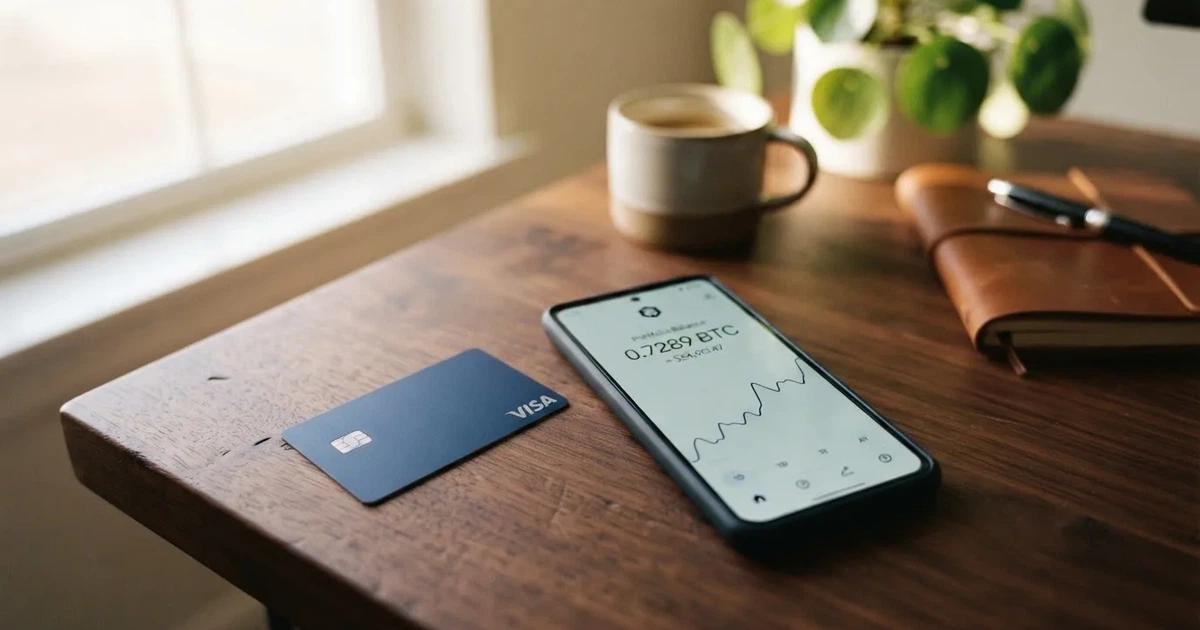
The conditions described here are current as of October 28, 2026.
I write this for people who have trouble getting an ordinary bank card, because that is the group UPay is aimed at and the group whose options are thinnest. Country and citizenship rules below are told as the card states them, not as I wish they were. Nothing here is advice about evading checks or working around a country’s rules, and I am not suggesting you try anything that puts your identity at risk.
Verdict: 6.1 out of 10
Here is the score broken down by what I actually checked, with the reasoning in my own words.
| Criterion | Mark | Why |
|---|---|---|
| Who can get it | 8 / 10 | Claims support in 180+ countries, with some countries excluded; unofficial sources say “over 150 countries” and “at least 168 countries” |
| Cost | 4 / 10 | Official pages disclose no costs at all; unofficial figures for issuance and top-up conflict |
| Top-up options | 6 / 10 | Wallet top-up with BTC, ETH or USDT, USDC also listed; networks not named |
| Reliability and complaints | 4 / 10 | UPAY TECHNOLOGY LTD in Denver; licences named, issuer not; Trustpilot 3.3 from one review, with complaints about freezes and false PEP flags |
| Everyday use | 9 / 10 | Virtual and physical cards, Apple Pay, Google Pay, Samsung Pay, ATM use mentioned with no fee published |
The total is 6.1 out of 10.
Who this suits: someone who already holds BTC, ETH, USDT or USDC and wants that balance to behave like ordinary spending money — a wallet user topping up with crypto who pays for things weekly and does not want to move through an exchange every time. If your crypto is already in the right place and you mostly pay in big cities, the everyday-use side of this product is genuinely good.
Who it does not suit: anyone deciding on the strength of the fee table. If you need to know what a foreign-currency payment costs you, or what your ATM withdrawals cost, or what your daily spending limits are, the official pages will not tell you. That is not a gap I can fill with estimates. You would be signing up with an incomplete price list.
And a word about the audience mix. UPay competes for people who would otherwise use an exchange card, a stablecoin debit card, or a plain bank card with a multi-currency account. If one of those works for you today, the comparison below is worth more than anything else I can say here.
Will they give you the card?
Mostly yes, and that is the good news — with an asterisk you should read.
The card’s own pages say UPay supports more than 180 countries and does not serve residents of certain countries. The actual list is not stated, and the card says the list may change with regulatory or issuer policies. That phrase matters: your eligibility is not a fixed fact you can check once, it is something that can shift under you. If your country is on the exclusion list you will find out by failing, not by reading.
Unofficial sources give different pictures. Finbold (20 July 2026) says “over 150 countries”, naming the United States, Germany, France, Argentina and Canada as examples, with availability depending on location, eligibility and product. TechBullion, undated and leaning friendly to the company, says “at least 168 countries”. Nobody has published the restricted-country list. Three sources, three numbers, no list — that is the honest state of it.
One rule is clearly stated and it will catch people out: the KYC partner accepts only identity documents issued by the same country as the user. If you hold a passport from one country and live in another, the obvious document is not the accepted one. Nothing in the official pages explains what happens then.
The reason I still give this category 8 out of 10 is the size of the opportunity set it opens. If your country’s banks will not give you a card that works abroad, a card issued under someone else’s licence may be the practical route. The asterisk is that you cannot verify your own eligibility before applying, and the list behind the 180 is a moving target.
How to get it
Four steps, and they are the same four steps most of these products publish: create an account and verify your identity, choose and apply for a card, fund the wallet, spend.
The identity check runs through Sumsub. You submit an identity document, it must be issued in the same country as you are, and the check takes 5 to 10 minutes. Proof of address and age requirements are not stated.
On the card itself: virtual and physical, personal and business. The card network is not named on the official pages. Card currencies are USD, EUR, AED and others — payments convert into those.
Unofficial sources cannot agree on the network either, which is worth sitting with. PayAtlas says Visa. Finbold (July 2026) says Mastercard, “wherever Mastercard is accepted”. The Coin Republic (June 2026) says Visa and Mastercard, virtual and physical. cryptocards.so says a Visa virtual Stellar card. Nobody at UPay states which, on the pages I read.
For the Stellar virtual card specifically, cryptocards.so (undated) says email, phone and an identity document are required, with no proof of address and no selfie. The Coin Republic (June 2026) says KYC through the wallet app is mandatory. Neither of those is the company’s own statement, so treat them as descriptions rather than requirements.
Two things are simply not stated anywhere I could find. There is one KYC level only — no tiers, no upgrade path, no published list of what gets you rejected. And physical card delivery is not described: no countries, no time, no cost. A “physical card option” is mentioned and that is all.
So the honest picture: the steps are simple and the wait is short, but you are applying for something whose network, delivery terms and rejection reasons are not on the page you are applying from. If any of those three matter to you, ask support before you fund anything.
Fees: what it really costs
This is the section I wish I could write differently. The cost of the UPay card is not stated, the fees are not stated, and the limits are not stated. The help centre terms page is a stub that lists topic headings and nothing else.
What the card page does say is that conversion may occur during a payment, depending on the network and settlement. That is an acknowledgement that a conversion happens, not a price for it.
Here is what unofficial sources claim, side by side. Read the conflicts, because the conflicts are the finding:
| Fee or limit | Official | Unofficial claims |
|---|---|---|
| Issuance | Not stated | Virtual $10 (Finbold, Jul 2026); Stellar virtual $50, no monthly fee (cryptocards.so); physical Premier/Platinum/Precious $100 activation, no annual fees (Finbold) |
| Monthly fee | Not stated | No monthly fee on the Stellar virtual card (cryptocards.so) |
| Top-up / recharge | Not stated | 2% on virtual cards; Precious 1%; Stellar card 3% (cryptocards.so) |
| Transaction fee | Not stated | Premier virtual flat 1% with “no deposit or cross-border fees”; UPay Wallet 1.5%; “no FX fees” advertised (Finbold, Jul 2026) |
| FX | Not stated | 1% on the Stellar card (cryptocards.so); elsewhere “no FX fees” is the advertised policy (Finbold) |
| ATM | Card can be used at ATMs; fee and allowance not stated | Withdrawals possible, no amount (The Coin Republic, Jun 2026); domestic and overseas ATMs, no amount (Hackernoon 2025); ATM withdrawals not supported on the Stellar virtual card (cryptocards.so) |
| Daily and monthly limits | Not stated | Stellar virtual: $20,000 daily spend, monthly unlimited (cryptocards.so); Finbold (Jul 2026) states no limits |
| Tiers | No tiers named; only “personal and business” and “virtual and physical” | — |
Two unofficial sources claim “no FX fees” and another claims 1% FX. One says $20,000 a day, another says no limits at all. Nobody can tell you what a card costs; the people who write about it most confidently are the least reliable on this point.
So let me do what I can do, which is walk three ordinary payments through the consequences of what is known.
A coffee in your home currency. The easiest case. The balance is already in the currency, so no conversion happens and the marketing line about paying “without the need for currency conversion” applies. What you do not know is whether any service fee sits on top. The card’s own disclaimer says conversion between digital assets and fiat may occur during payment, which leaves room for a spread you were not told about.
A hotel abroad in dollars. Here three separate unknowns stack: the conversion from your crypto balance into the card currency, any foreign-exchange fee or spread, and whether the hotel accepts the card’s BIN. Merchants can look up the issuing institution and country from the first six or eight digits of the card number and decline or scrutinise a card that looks foreign. Finbold’s “no FX fees” line and cryptocards.so’s 1% cannot both describe your transaction.
Withdrawing cash at an ATM. The home page says the card works at ATMs. No fee, no daily allowance, no per-withdrawal charge is published. One unofficial source says ATM withdrawals are not supported on the Stellar virtual card at all — so the feature’s availability may depend on which card variant you were given.
Two more things shape every one of those transactions. The marketing says “without the need for currency conversion” while the disclaimer says conversion between digital assets and fiat may occur during payment — that contradiction is on the card’s own pages. And there is a marketing claim of “no FX fees” which, at best, is unreconciled with the 1% figure reported elsewhere.
I gave Cost 4 out of 10 because a payment card whose price list is not published cannot be costed by the person buying it. Everything else on this page can be checked by you; this cannot.
Top up: how money gets in
Officially: you top up the wallet with BTC, ETH or USDT, and USDC is also listed among supported coins. Networks are not named.
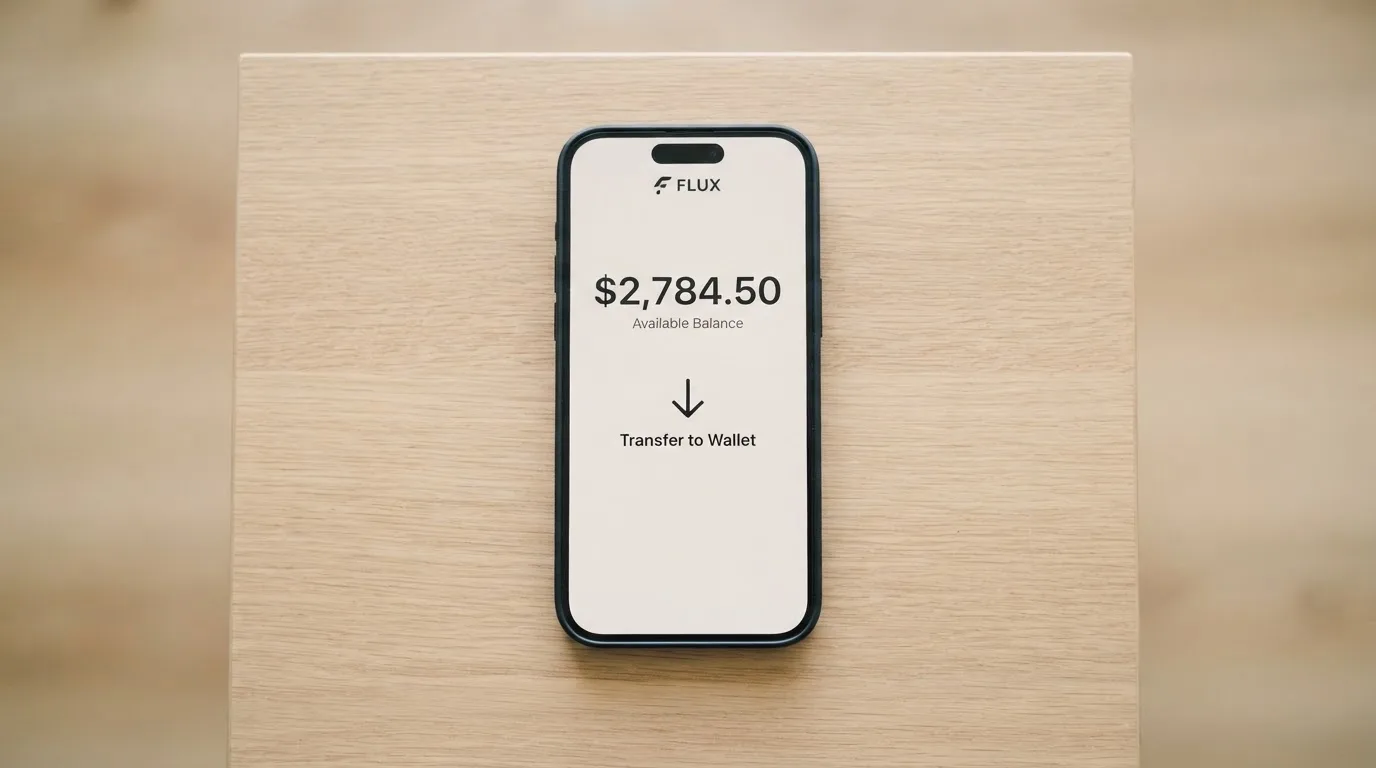
That single missing word — which networks — is a bigger problem than it looks. A blockchain transfer sent on a network the provider does not support can be lost or need manual recovery with no guarantee. On Ethereum, fees are paid in ETH: a wallet holding USDT with no ETH in it cannot send. So the exact coin is not the whole instruction; the chain matters, and the app does not, on these pages, tell you which chain to use. Check it in the app before you transfer anything.
Unofficial sources widen the list. cryptocards.so says the Stellar card supports BTC, ETH, USDT, USDC and DOGE. Finbold (July 2026) says wallet top-ups can come from a bank account or an eligible Visa or Mastercard. Networks: not found anywhere.
What is not stated: the top-up fee, the minimum top-up, and whether there is any fiat route at all on the pages I read. There is also no page on withdrawing your balance or closing the account — I looked, and found nothing. For someone using this as their everyday money, “how do I get it back out” is a question you should have an answer to before you put money in.
Top-up options score 6 out of 10: the coin list is decent, the network list is missing, and the fiat side is unstated.
Paying with it every day
This is the strongest part of the product, and it is why the score is not lower.
Virtual and physical cards, personal and business. Apple Pay, Google Pay and Samsung Pay are all supported and can be linked. ATM use is claimed. The card converts payments into USD, EUR, AED and other currencies. You can add the card to your phone wallet and pay by face or by phone, which is the part that actually changes how a week feels.
Three caveats for daily use. There is no cashback stated on the card page — the home page lists an “Earn While You Sleep” product, but that is a title, not a reward you can count on. Blocked merchant categories are not stated, and that matters: gambling, for example, sits in a merchant category that many issuers block by policy rather than by law, and each issuer’s list differs. And if you are paying online, 3-D Secure may challenge you with a one-time code or a biometric check; under that scheme, liability for a fraudulent payment can shift, depending on who you ask, from the merchant to you.
Nothing is published about disputes. The FAQ page returned an error when I read it and the help centre terms is a stub. If a payment goes wrong — a duplicate charge, goods never arrived — I could not find a documented route to get it reversed, and you should assume you will be dealing with support rather than with a process.
Apps are linked from upay.com for the App Store, Google Play and a direct APK download. No rating and no number of ratings were available to me, so I cannot tell you what users think of the software from the stores themselves.
Everyday use: 9 out of 10. Hard to fault the feature list. Impossible to price it from official sources.
What can go wrong
The complaints are the reason Reliability and complaints scores 4 out of 10.
Trustpilot’s upay.com page, read on 20 October 2026, shows 3.3 out of 5 from one review — a two-star review about a KYC failure using a Palau digital residency ID. One review is not a pattern, but it is what the card’s own page shows. A separate Trustpilot page for upay.best shows 2.5 from 19 reviews. The Coin Republic in June 2026 cites 2.6 from 19 reviews for Upay Technology Limited — a different domain from upay.com, so I would not merge those numbers, and neither should you.
The user-reported themes within 2026 are the ones to take seriously: false PEP flags during KYC, unsupported ID types, temporary account restrictions after a deposit, Apple Pay not available on some cards or regions, declined transactions, delayed refunds, and fees that were unclear. An unverified aggregator also cites app crashes after an update and a support bot with no escalation route, and warns of a name collision with unrelated UPay entities.
Read the freeze theme next to the regulatory background. If due diligence cannot be completed, EU rules require the institution to hold off on the transaction or relationship and, where necessary, end the relationship — which is exactly why accounts get frozen pending documents. If a system flags you as a politically exposed person and that flag is wrong, you are inside a process designed to be slow and hard to appeal. There is no stated appeal path.
The company behind it: UPAY TECHNOLOGY LTD., Denver, Colorado, USA, with the address garbled on the site. Licences named are MSO (Hong Kong), VASP Lithuania “In-Principle Approval”, MSB United States and MSB Canada. The issuer bank and the card network are not stated. The Coin Republic, on 29 June 2026, reported the card expanding crypto spending options with BTC, ETH and USDT converted to fiat, and it explicitly marked the company’s licence claims as unverified.
Support: a Help Centre at help.upay.com, an FAQ page, and [email protected] are listed. When I read the help centre root, it showed only a Chinese-language heading with no article list.
On security, the only published measure is the Sumsub KYC check. Whether the wallet is custodial, whether 2FA exists, how freezing works, and whether customer funds are safeguarded — none of that is published on the pages I read. That matters because holding funds with a custodian carries counterparty and hack risk: Mt. Gox, Coincheck and Ronin are the standard reminders. Stablecoins are not censorship-proof either — Tether says it disables tokens in wallets on the OFAC sanctions list and has frozen funds tied to illicit activity.
If your account is frozen mid-transaction with crypto already loaded, the honest position is that you are relying on a support team whose help centre I could not read, at a company whose help page showed no articles.
What to take instead
Three alternatives with published numbers, so the contrast is stark.
Bitrefill — 6.8 out of 10. The card is free through the app; an inactivity fee applies after 12 months without spending or cash-out, amount not stated. A deposit spread applies on crypto-to-euro conversion, percentage not stated; SEPA pay-in is 1.99%; FX fee not stated. Funding list is wide: Bitcoin, Lightning, Ethereum, USDC, USDT, Solana, Base, Polygon, Li.Finance, plus Apple Pay, Google Pay, Visa and Mastercard shown as buy options, and SEPA transfer per the terms. Cashback is 2% total with no cap — 1% on each crypto deposit and 1% on each purchase — though the payout currency is not stated on the page and the terms say the rate is published on the website. Country list not stated; terms say access is subject to eligibility criteria set by partners. Virtual and physical Visa. The point in its favour: a cashback figure you can read.
Kemy — 6.0 out of 10. “190+ countries” with a few restrictions and eligibility checked at sign-up. Unlimited virtual cards (Visa on the mockups) and one physical Mastercard, contactless. Pricing is fully published and steep: virtual $15 issuance valid three years plus $2 a month; physical $250 issuance with DHL Express included, one card per user, plus $10 a month. Virtual transaction fee 3.5% plus $1, failed transaction $0.80; top-up $1.5 under $100 or 1.25% from $100, minimum $5. No cashback mentioned. Its own pricing page shows a main-account deposit fee of 8% in the summary and 5% in the body, so even a card with published prices has an internal conflict — worth noting.
Tevau — 6.0 out of 10. Everything here is unofficial, and the site I read (tevau.co) says plainly that it is not Tevau itself. It lists “200+ countries” with availability varying by region, Visa, and card tiers: Virtual 20 USD, Plastic 100 USD, Metal 199 USD, 24K Gold 499 USD, monthly fee not stated, with fees said to differ by card type, campaign and region. Moving deposited USDT to the card balance is said to cost 1%; wallet deposits “no fee”; FX appears only as an unquantified “rate spread for overseas spending”. No cashback mentioned.
The honest comparison: Bitrefill publishes a cashback rate and a pay-in fee; Kemy publishes a full price list; Tevau’s tiers are published by a third party. UPay publishes none of it, and the unofficial figures conflict on the two numbers that decide whether a card is cheap to use — the FX fee and the top-up fee.
There is also the general category to weigh. Visa and Mastercard do not issue crypto cards to consumers themselves; they license issuers and can suspend a programme — WaveCrest’s Visa programmes were closed in 2018, and in November 2022 Visa said it had terminated its global agreements with FTX, with the FTX US debit card being wound down by its issuer. A card programme can end. Ask where your balance sits if it does.
Who I would recommend it to
If you already hold BTC, ETH, USDT or USDC, you mostly spend in cities where these BINs work, and you are willing to accept that the fee table is something you will have to ask support about rather than read — then yes. The everyday-use design is the best part of this product. Virtual and physical, three mobile wallets, ATM access, business cards as well as personal. It does what a payment card should do, and it does it from a crypto balance.
I would not recommend it if your spending depends on knowing your cost per transaction, if you plan to live mostly on foreign-currency payments, or if you need ATM cash with a predictable allowance. In each of those cases the card’s own pages leave you guessing, and the answers available from third parties contradict one another.
I would think twice if your identity situation is unusual — a digital residency permit, a second nationality, a document from a country other than where you live. The stated rule is that the identity document must come from your own country, there is one KYC level and no published rejection reasons, and user reports include false PEP flags with no appeal path. That combination is where I would want to know the answer before sending money.
And whoever you are: check the issuer, the licence and the network before you rely on this card for anything you cannot replace. The company is named, the licences are named, the issuer bank is not.
Frequently asked questions
What is the UPay card?
UPay is a crypto payment card offered by UPAY TECHNOLOGY LTD., a company listed in Denver, Colorado, USA. It comes as a virtual or physical card, in personal and business versions, and is designed to be funded from a crypto wallet rather than a bank account. Payments convert into USD, EUR, AED and other card currencies. The company claims support in more than 180 countries, though it does not publish the list of countries it excludes.
How does UPay card work?
You create an account, pass an identity check through Sumsub, apply for a card, fund the wallet with crypto, and spend. The card behaves much like a prepaid card: crypto is converted and loaded as a balance, and the card spends only that balance. The card page says conversion may occur during a payment depending on the network and settlement. Unlike a standard debit card, there is no bank account behind it that the merchant’s bank can query.
Is UPay a bank?
No, not on the evidence available. UPAY TECHNOLOGY LTD. names licences including MSO (Hong Kong), VASP Lithuania “In-Principle Approval”, MSB United States and MSB Canada. These were reported as unverified by The Coin Republic. The issuer bank and the card network are not stated on the pages I read. An electronic money institution can issue cards without being a bank, so the absence of a banking licence is not itself a red flag.
How do I get a UPay card?
The published steps are: create an account and verify your identity, choose and apply for a card, fund the wallet, then spend. The KYC check runs through Sumsub, takes 5 to 10 minutes, and requires an identity document issued by the same country as you are. Virtual and physical cards are offered, and delivery countries, time and cost are not stated. There is no published list of reasons an application is refused.
Does UPay card require KYC?
Yes. A single KYC level is described: a Sumsub identity check with a document from your own country, taking 5 to 10 minutes. Proof of address and age requirements are not stated, and no tiered verification levels are published. User reports within 2026 mention false PEP flags and unsupported ID types, so the type of document you hold matters more than the card’s pages suggest.
How much does a UPay card cost?
The official pages do not state any cost. Unofficial sources give conflicting figures: $10 for a virtual card, $50 for a Stellar virtual card, $100 activation for physical Premier, Platinum or Precious cards, top-up fees of 2% or 3%, and transaction fees of 1% or 1.5%. Finbold reports “no FX fees” while cryptocards.so reports 1% FX. This is the single biggest reason the score is not higher.
Can I use UPay card in my country?
The card claims support in more than 180 countries and says it does not serve residents of certain countries, without publishing that list. Finbold says “over 150 countries”, naming the US, Germany, France, Argentina and Canada, while TechBullion says “at least 168 countries”. The card states the excluded list may change with regulatory and issuer policies, so eligibility is not fixed. Also note that some shops decline prepaid or foreign-issued cards.
How do I top up a UPay card?
Officially you top up the wallet with BTC, ETH or USDT, with USDC also listed among supported coins. cryptocards.so adds DOGE for the Stellar card, and Finbold says bank account and eligible Visa or Mastercard funding also works. Crucially, the networks are not named on the official pages. Blockchain transfers are irreversible, so check which network the app tells you to use before transferring.
Is UPay card safe?
The safety question splits in two. On the crypto side, only the Sumsub KYC check is published — custodial status, two-factor authentication, freezing and fund safeguarding are not stated on the pages I read. On the payment side, Apple Pay, Google Pay and Samsung Pay tokenise the card number, and 3-D Secure adds a step to online payments. Under 3-D Secure, liability for fraudulent online payments can shift from the merchant to you.
Can I withdraw money from UPay or close my account?
I found no page on withdrawing a balance or closing an account on upay.com, its card pages, or the help centre, and the help centre root showed only a Chinese-language heading with no article list. The home page says the card works at ATMs, but no fee or allowance is stated, and one unofficial source says ATM withdrawals are not supported on the Stellar virtual card. Ask support directly before you load funds you expect to need back.
Virtual cards – cryptocardpedia.com
Content created by the «cryptocardpedia.com» team