
A Mastercard debit that runs on crypto, with a cost profile you need to read before you sign up
 Available in US
SharPay is a prepaid Mastercard debit that draws on a euro-denominated balance you fund with crypto or euros. The card is issued by a Lithuanian e-money institution, the crypto side is run by a Canadian money services business, and the website itself is operated from Cyprus. The product is pitched at people outside the European Union who want a Mastercard with Apple Pay and Google Pay, and who are happy to pay a fairly heavy mix of fixed fees and percentage mark-ups for the privilege. That pitch has some real strengths — the card is immediate in virtual form, supports a wide range of coins, and the operating companies sit inside regulated frameworks. It also has weaknesses that anyone signing up needs to understand upfront: a euro card load fee of 2.00 EUR + 1.99%, a foreign-exchange mark-up of 2.99% on the personal card, plus 10 EUR just to open the payment account before you have spent a cent.
Conditions are current as of October 28, 2026.
I have read through SharPay’s fee pages, terms and FAQ, cross-checked the issuing and payment licences, and compared the card against three alternatives — RedotPay, Bitpanda and Wirex. The rest of this review walks through who can actually get the card, what it costs in practice, how funding works, what daily use looks like, and where the risks sit. I finish with a comparison table and a FAQ. Conditions on this page are current as of 2026-10-20.
Verdict
SharPay scores 5.9 out of 10. That is a middling result, and the breakdown tells you why: the everyday use side is strong, the reliability and licensing story is solid, but the cost structure is punishing and the availability picture is more restrictive than the marketing suggests.
| Criterion | Mark | Why it scored there |
|---|---|---|
| Who can get it | 5 / 10 | Residency-based rule; residents of prohibited countries (Russia, Belarus, Iran, Cuba, Syria and others) are blocked; crypto services are explicitly “not to EU residents”; total country count not published |
| Cost | 3 / 10 | 10 EUR account opening, 1 EUR card issue, 3 EUR monthly service; card load 2.00 EUR + 1.99%; FX mark-up 2.99% on the personal card |
| Top-up options | 6 / 10 | EUR plus USDT, USDC, BTC, ETH, XRP, LTC, BCH, with DAI and TUSD also listed; supported networks not named in the FAQ; USDC top-up via Mastercard/Visa carries 4% |
| Reliability and complaints | 8 / 10 | Card issued by UAB Walletto (Lithuania, Bank of Lithuania e-money licence no. 33); payments by SPEKA Payments Corp (FINTRAC MSB M22046940); no complaints or public review found |
| Everyday use | 9 / 10 | Virtual card active immediately, physical in about 15 working days, Apple Pay and Google Pay, ATM withdrawals possible |
The card suits non-EU residents who want a Mastercard they can add to Apple Pay and spend from a crypto balance, and who do not need to be based in the euro area. It does not suit EU residents for the crypto side, it does not suit anyone optimising on fees, and it is not the right choice if you want a card with a published cashback or rewards rate.
Who SharPay will issue the card to
The eligibility rule is by residence, not citizenship. The terms say you “musn’t be a resident of restricted or prohibited country”, and the prohibited list — published by the payment services provider SPEKA Payments Corp — includes Russia, Belarus, Crimea, the Donetsk and Luhansk regions, Kherson, Zaporizhzhia, Iran, Cuba and Syria, among others. SharPay’s own pages also state that crypto services are “not to EU residents”, which is a separate restriction on top of the sanctions list. Together those two rules narrow the addressable audience considerably, and SharPay does not publish a list of supported countries, so you only find out whether you qualify by starting the sign-up.
If you are a citizen of a non-EU country, you verify with a foreign passport. If you are an EU citizen, you can use a passport or a national ID card. The card programme does not apply a separate nationality rule on top of the residence rule, but nationality still gets recorded and screened as part of the standard customer checks.
One practical note: because the rule is by residence, where you actually live matters more than which passport you hold. If you have recently moved, or if you live in one country and hold a passport from another, the residence side of the test is the one to check first.
How to get the card
The sign-up runs in three steps inside the SharPay Wallet app: register with a phone number, email and password; complete verification; and order the card.
Verification is a two-level process. Level 1 covers the standard identity checks and gives you a crypto account. Level 2 unlocks the fiat account and the card. For Level 1 you need a passport — a full, good-quality page, because cropped copies are rejected — plus English-language bank statements and a short questionnaire on expected turnover, source of funds and any links to politically exposed persons or US persons. There is also a video selfie, and the system rejects clips with poor light, hats, glasses or filters. The document review typically takes 1 to 72 hours; the additional Level 2 check on the fiat account can take up to 5 days. The minimum age for registration is not stated on the public pages I read, so you would need to confirm that in the app or with support.
Once you are through Level 2, you can order up to five cards per account. The virtual card is active immediately; the physical card is “typically shipped within 15 working days”, with delivery times varying by destination. The card is a Mastercard debit, with the issuing line on the website reading “Flex Mastercard Debit card is issued by UAB Walletto”. The card balance is denominated in euros and the fee schedule is published in euros.
The most common reasons verification fails are technical rather than substantive: a cropped passport scan, a non-passport identity document, a dark or filtered video selfie. If that happens you can resubmit; the level you are at determines whether your card order is held until the next review.
Fees and what they mean in practice
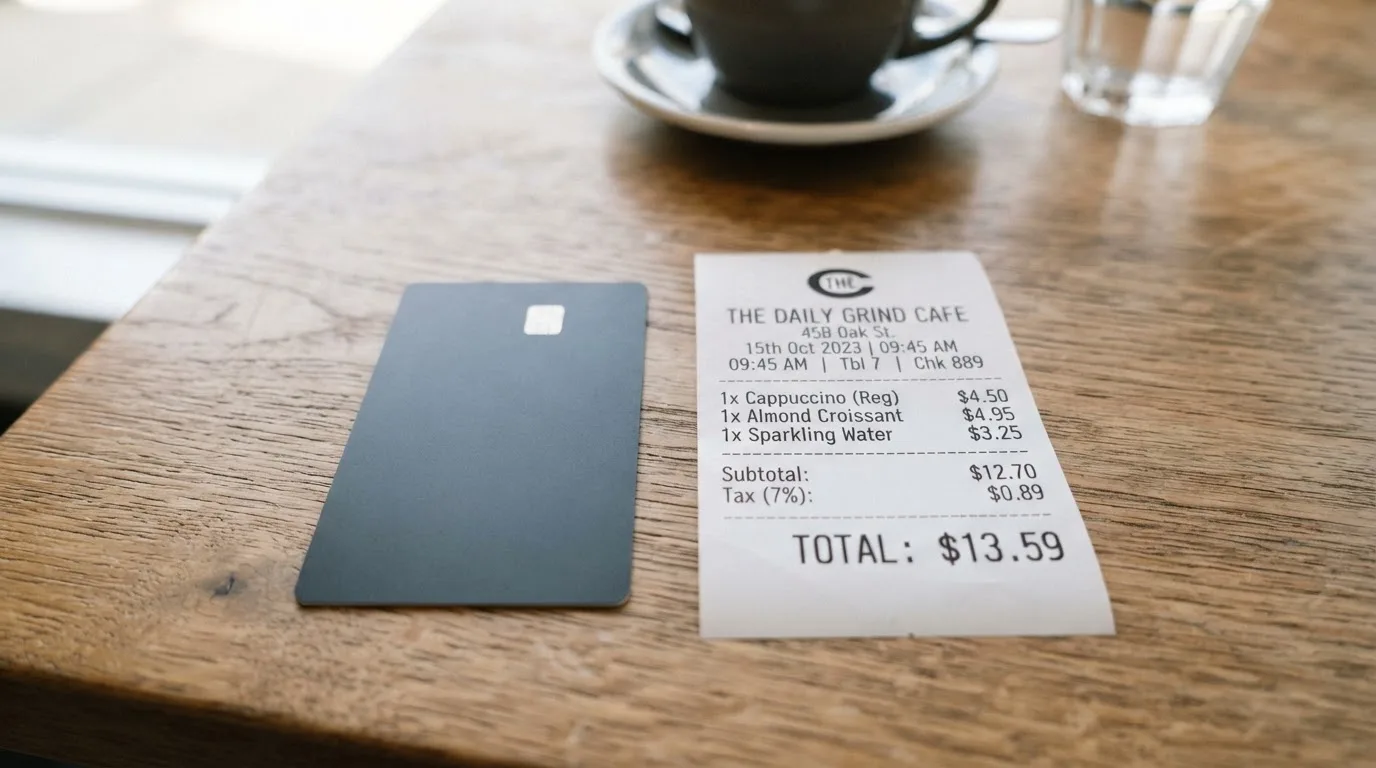
Cost is the weakest part of the package. The fee page is clearly laid out, but the totals add up faster than the marketing implies, because SharPay charges you before you have spent anything and keeps charging you each month after.
| Fee or limit | Amount |
|---|---|
| Payment account opening | 10 EUR |
| Crypto account opening | Free |
| Virtual card issuing | 1.00 EUR |
| Card replacement (virtual) | 1.00 EUR |
| Monthly card service | 3.00 EUR per card |
| Chargeback handling | 40 EUR |
| Card load (card-to-card top-up) | 2.00 EUR + 1.99% |
| FX mark-up on personal card | 2.99% |
| FX mark-up on payments | 1.00% |
| USDC top-up via Mastercard/Visa | 4% |
| USDC withdrawal via Mastercard/Visa | 3% |
| Account closure (personal) | 25.00 EUR |
| POS and e-commerce daily limit | 10,000 EUR |
| POS and e-commerce monthly limit | 30,000 EUR |
| SEPA crypto transactions | up to 14,500 EUR per day |
What that means in everyday numbers. Imagine you open an account (10 EUR), order a virtual card (1 EUR), and run the card for a year. The 3 EUR monthly service fee alone is 36 EUR, so before any top-up or spending you are looking at 47 EUR in fixed costs in year one. Top up 1,000 EUR from a euro bank card and you pay 2.00 EUR + 1.99%, which is 21.90 EUR on that single load. Spend 1,000 EUR in a non-euro currency while travelling and the 2.99% FX mark-up adds 29.90 EUR to the cost of those purchases.
A second example. You hold USDT and want to spend 500 EUR at the supermarket. If you top up via USDC through the Mastercard/Visa route, the 4% top-up fee takes 20 EUR off your balance before you have bought anything, and any non-euro conversion on the card side will trigger the 2.99% mark-up on top. By the time you pay for groceries, you may have given up 30–35 EUR in fees on a 500 EUR spend.
A third example. You use the card for a subscription in US dollars each month, around 50 USD. The 2.99% FX mark-up costs about 1.40 EUR per month on that subscription alone — 17 EUR a year for the privilege of paying in dollars with a euro card. There is no cashback or rewards programme to offset any of this, and SharPay’s pages do not publish a card-level cashback rate.
The fee page lists purchase fees as “–”, meaning the card itself does not charge a per-transaction fee on top of the conversion. The real cost of a purchase is therefore driven by which currency you are paying in, which asset you are funding from, and which top-up rail you used. The bottom line: SharPay is more expensive than mainstream crypto cards from larger providers, and the difference is large enough to matter on a small balance.
How to top up the card
Top-up starts with transferring one of the supported assets to the address the app shows you. SharPay lists EUR alongside USDT, USDC, BTC, ETH, XRP, LTC and BCH, and the price page also references DAI and TUSD. The FAQ does not name the networks, instead telling you to “select the currency and network” inside the app, which is where the supported chains for each token are shown. XRP needs a memo or tag; Stellar-style destination tags behave the same way.
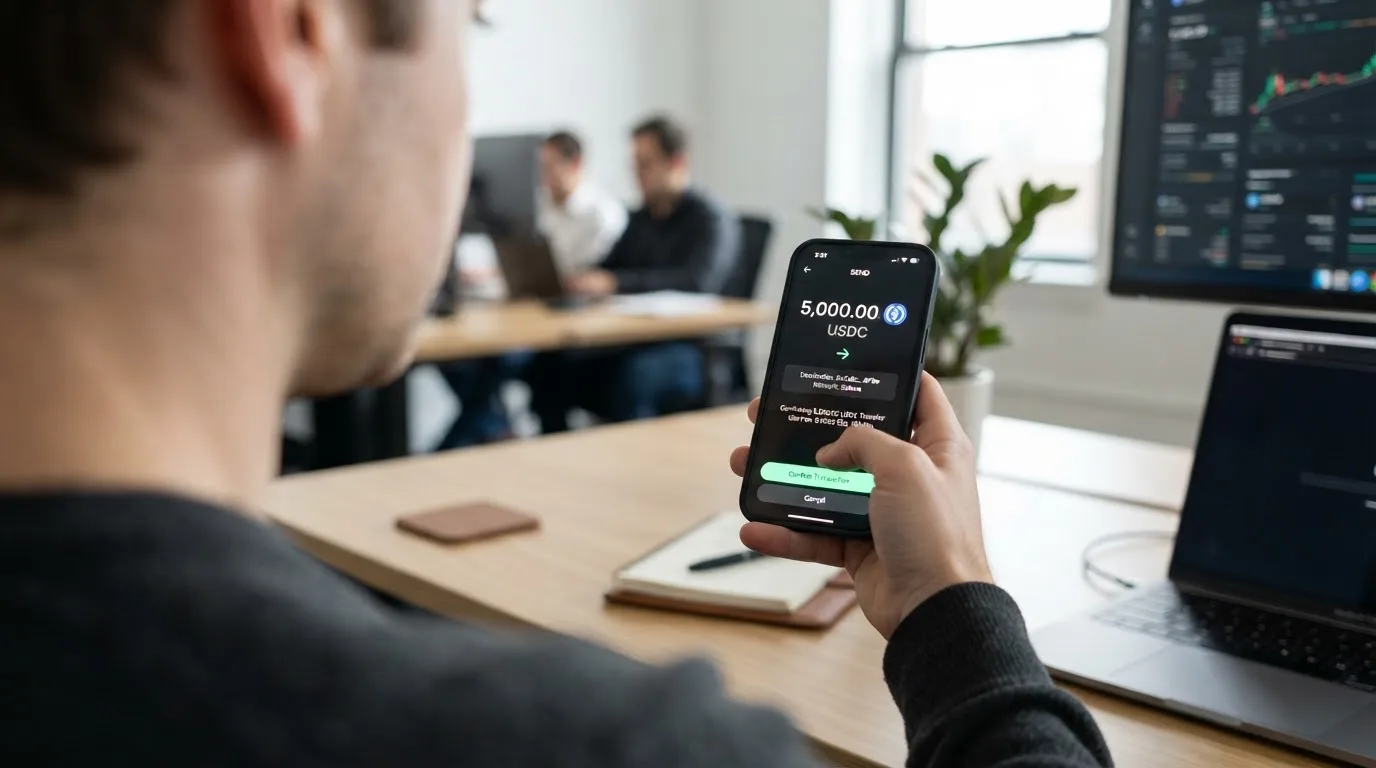
There are a few practical points worth keeping in mind before you send anything:
- The minimum top-up is not published as a number on the public page. The fee page tells you to “read the information about the minimum top-up amount in the top-up amount input field” once you are inside the app.
- If you fund the card with a crypto asset that is not the same currency as the card, SharPay exchanges it automatically at the system exchange rate, so you take the conversion cost on top of any network fee.
- The card-to-card top-up rail (loading from another bank card) costs 2.00 EUR + 1.99% — the most expensive path into the card, and the one that drives the year-one numbers above.
- Transfers from the card to SEPA, other cards, e-wallets or crypto addresses are processed in 1 to 60 minutes, provided the card has previously been topped up (the card can only send out what has been loaded in).
- Account closure costs 25 EUR for a personal account and 100 EUR for a business account. The page does not say what happens to any balance left in the account at that point, so it is worth checking with support before initiating closure.
The most common avoidable error is sending a stablecoin on a network the app does not support, or sending to the wrong network. Crypto transfers are not reversible, and the provider’s own FAQ treats this as the user’s responsibility.
Paying with the card day to day
In daily use, SharPay behaves like a standard contactless Mastercard with mobile wallet support. You can add the card to Google Pay and Apple Pay and tap to pay at point of sale. Online checkout works wherever Mastercard is accepted, with 3-D Secure 2.0 prompts when the merchant or issuer requires an extra step. ATM withdrawals are supported, but the fee page does not publish a per-transaction ATM fee or a monthly allowance, so the cost of cash is something to confirm in the app before you rely on it.
Two structural points that affect daily use:
- The card is a prepaid-style product, not a true bank debit. You cannot overdraw, and the balance is whatever you have loaded or exchanged into. If you regularly spend more than the balance, the card declines.
- The blocked merchant list follows the SPEKA prohibited-activities schedule, which covers illegal gambling (including unlicensed online casinos and sports betting), adult content and similar categories. Some merchants in those categories may also be blocked by Mastercard policy independently.
Apple Pay works through a device-specific Device Account Number stored in the Secure Element, so the real card number is not shared with the terminal. SharPay can freeze and unfreeze the card from the app, and supports OTP/2FA codes at login. There is no published cashback or rewards rate on the card, and no loyalty programme tied to spending. The app itself is published on Google Play and the Apple App Store; the homepage claims “15k +” users, but ratings and review counts are not shown on the page I read.
If a payment goes wrong, the chargeback handling fee is 40 EUR — the price SharPay charges just to look at a dispute — and the refund policy is published as a PDF without time frames on the public page. If you are charged twice for the same purchase, SharPay says the money is returned to your account automatically.
What can go wrong
The operating licences are in order. The card is issued by UAB Walletto, an electronic money institution authorised by the Bank of Lithuania under e-money licence no. 33, which lets it passport card services across the EU/EEA in principle. The crypto services sit with SPEKA Payments Corp, registered as a money services business with FINTRAC in Canada under MSB number M22046940. The website and app are designed and operated by GTM Exchange Ltd, a company registered in Cyprus. Three jurisdictions, three different regulators, and the crypto side is run “outside the EU and not to EU residents”.
A dedicated search for SharPay card complaints on Reddit and Trustpilot turned up no reviews, no complaints and no news stories. The only results were unrelated brands with similar names (Shop Pay, OnePay, Shieldpay, b-sharpe), so there is no public theme of complaints to report. That is unusual for a card product of this size and could mean the user base is still small, or that the review sites simply have not indexed it. Either way, the absence of complaints is not the same as the presence of a track record, and it is worth checking the Trustpilot page periodically if you are considering signing up.
The risks that do exist are structural rather than specific to SharPay:
- Custodial balance. The euro balance you spend from is held by the issuer, not by you. If the issuer fails, your balance is an unsecured claim against the estate. EMIs are required to safeguard customer funds by segregating them in dedicated accounts or insuring them, but safeguarded funds are not the same as deposits and are not covered by deposit guarantee schemes.
- Crypto assets before conversion. Until your crypto is converted and loaded onto the card, it sits with the crypto-side provider. Counterparty and hack risk apply in the same way as with any custodial crypto platform.
- Prohibited-country list. The residence rule is enforced. If you are a resident of a listed country — Russia, Belarus, Iran, Cuba, Syria and others — you will not get the card. If you live somewhere on the edge of the list, confirm with support before paying the 10 EUR account-opening fee.
- Top-up errors. Sending a stablecoin on a wrong network, or to a wrong-chain address, is the most common way users lose funds on this kind of product. The transfer is irreversible and recovery depends on the provider’s manual support process.
- Account closure fee. Closing a personal account costs 25 EUR. The page does not say what happens to a remaining balance, so make sure the balance is at or near zero before you close.
Support is reachable by phone (+357 2503-09-49), through the website’s support widget, and on Facebook, X, Instagram and LinkedIn. Email addresses are obfuscated on the public page. The website is published in English, Ukrainian and German, and support hours are not stated. The combination of a Cypriot phone number, a Lithuanian issuer and a Canadian payments partner is not unusual for this category, but it does mean that if something goes wrong, the route to a resolution can be longer than with a single-jurisdiction card.
What to take instead
SharPay is not the only Mastercard or Visa in the crypto-card space, and the alternatives are worth looking at if SharPay’s fee profile does not fit your pattern. The four cards below are not in the same league on every dimension — RedotPay is more competitive on card-issuance pricing, Bitpanda is a better fit for euro-area residents, and Wirex is the broadest on the cashback side — but they give a sense of what you can find at the same price point.
| Card | Score | Best for | Key difference from SharPay |
|---|---|---|---|
| RedotPay | 6.9 / 10 | Cardholders who want a Visa or Mastercard debit in USD or HKD with a published fee table | Virtual card 10 USD, physical card 100 USD (non-refundable), 1% transaction fee, RedotPay Pro 12.90 USD monthly; long unsupported-countries list including the US, India, Singapore, Turkey and many others |
| Bitpanda | 6.5 / 10 | Euro-area residents who want a Visa debit that auto-converts crypto, metal and fiat at payment | Physical Visa in EUR only, no monthly fee, first shipment free, “up to 2%” cashback on crypto spending, but residence restricted to euro-area countries verified outside Bankident |
| Wirex | 6.7 / 10 | Cardholders who want cryptoback in WXT, with multiple regional fee schedules | Standard 0.5% / Premium 3% / Elite up to 8% WXT cashback, free issuance in most regions, metal card 45 GBP, but ATM withdrawals “not permitted in Singapore” and FX fees not stated on the page |
The three cards above are not a like-for-like swap. RedotPay is the closest on the “crypto-funded prepaid debit” structure, but it is unavailable in a much longer list of countries. Bitpanda is the right pick if you live in the euro area and want a regulated, single-jurisdiction product with cashback. Wirex is the broadest if you want rewards, but you give up the simplicity of a published FX mark-up. SharPay sits in the middle: it is more expensive than RedotPay and Wirex on top-up and FX, and more permissive than Bitpanda on geography, but its strongest draw — a Mastercard with Apple Pay for non-EU residents willing to pay for it — is not unique to SharPay.
Who I would recommend the card to
If you live outside the EU, outside the SPEKA prohibited list, and you specifically want a Mastercard you can add to Apple Pay or Google Pay without the residency requirements of euro-area cards, SharPay does the job. The virtual card is immediate, the app is straightforward, and the issuing and payment licences are in place. The fees are high, but if your main use case is small, occasional top-ups and everyday spending in euros, the convenience is the trade-off you are paying for.
If you live in the EU, the crypto side of the product is not available to you, so a euro-area product such as Bitpanda is a better fit. If you want a published cashback rate, look at Wirex. If you are optimising for low FX and top-up fees and you live somewhere RedotPay serves, the comparison is closer. And if you are risk-averse on the custodial side, no card in this category removes the issuer and crypto-platform counterparty risk — that is a category-wide fact, not a SharPay-specific one.
The single most important thing to check before signing up is your own residence status against the SPEKA prohibited list, because the 10 EUR account-opening fee is not refundable if your verification fails on residency grounds. The second most important thing is the fee arithmetic for the way you actually plan to use the card, because the totals depend on top-up amount, currency mix and whether you use euros or crypto to fund the balance.
Frequently asked questions
What is SharPay card?
SharPay is a prepaid Mastercard debit card. You fund the euro balance with euros or with supported crypto (USDT, USDC, BTC, ETH, XRP, LTC, BCH, and on the price page DAI and TUSD), and the card spends that balance at point of sale, online and through Apple Pay and Google Pay. The card is issued by UAB Walletto in Lithuania.
Is SharPay a bank?
No. The card is issued by an electronic money institution (UAB Walletto, Bank of Lithuania e-money licence no. 33), and the crypto services are run by SPEKA Payments Corp, a money services business registered with FINTRAC in Canada. The website and app are operated by GTM Exchange Ltd in Cyprus. E-money funds are safeguarded but are not bank deposits and are not covered by deposit guarantee schemes.
Who owns SharPay?
The website and app are designed and operated by GTM Exchange Ltd, registered in Cyprus. The card programme sits with UAB Walletto in Lithuania, and the payment services sit with SPEKA Payments Corp in Canada. The three are separate legal entities tied together by the card programme.
How the SharPay card works?
You open a payment account, complete Level 1 and Level 2 verification, order a card, top up the card in euros or crypto, and spend. If you top up with a non-euro asset, SharPay exchanges it at the system rate and loads the balance in euros. The card is prepaid, so it cannot overdraw, and the balance is whatever has been loaded.
Does SharPay card require KYC?
Yes. Level 1 covers the standard identity checks (passport, bank statements, video selfie, a short questionnaire on turnover, source of funds and PEP/US-person links). Level 2 is the additional check needed for the fiat account and the card, and can take up to 5 days on top of the standard 1 to 72-hour document review.
How do I top up SharPay card?
Open the app, pick the currency and network the app shows you, and send the supported asset to the address displayed. XRP needs a memo or tag. You can also load the card from another bank card (card-to-card), which costs 2.00 EUR + 1.99%. The minimum top-up is shown inside the app at the top-up amount input field.
Where can I use SharPay card?
Anywhere Mastercard is accepted — physical point of sale, online checkout, Apple Pay and Google Pay, and at ATMs. Merchant categories on the SPEKA prohibited-activities list (illegal gambling, adult content and similar categories) are blocked. Some merchants may also decline prepaid or foreign-issued cards regardless of the issuer.
Is SharPay card safe?
The issuing and payment licences are in place, the app supports OTP/2FA and instant card freeze, and 3-D Secure 2.0 is enabled. The structural risks are the category-wide ones: the euro balance is held by the issuer and is not a deposit, and the crypto before conversion is held by the crypto-side provider. No published safeguarding or insurance programme is described on the public pages.
Is SharPay card free?
No. The payment account costs 10 EUR to open, the virtual card 1 EUR to issue, and the monthly service fee is 3 EUR per card. Card-to-card top-ups are 2.00 EUR + 1.99%, and the FX mark-up on the personal card is 2.99%. A USDC top-up via Mastercard or Visa adds a further 4%.
How do I add SharPay card to Apple Wallet?
Order the card in the app, wait for it to be issued, then use the “Add to Apple Wallet” option inside the SharPay Wallet app or from the card details screen. Apple Pay will then tokenise the card with a device-specific number stored in the Secure Element, so the real card number is not shared at the terminal.
App and neobank cards – cryptocardpedia.com
Content created by the «cryptocardpedia.com» team