
A quick virtual card you fund with crypto — useful, but thin on the details you need
 Available in US
DigitalPurse is a virtual payment card you fill from a crypto balance and then spend through your phone’s mobile wallet. It is aimed squarely at people who want a card number quickly, funded with Bitcoin, Litecoin, Monero, Ethereum or dollar-pegged stablecoins, without the paperwork of a normal bank account. The card itself says it is a “technology platform, not a bank,” and it does not name the institution that actually issues the card.
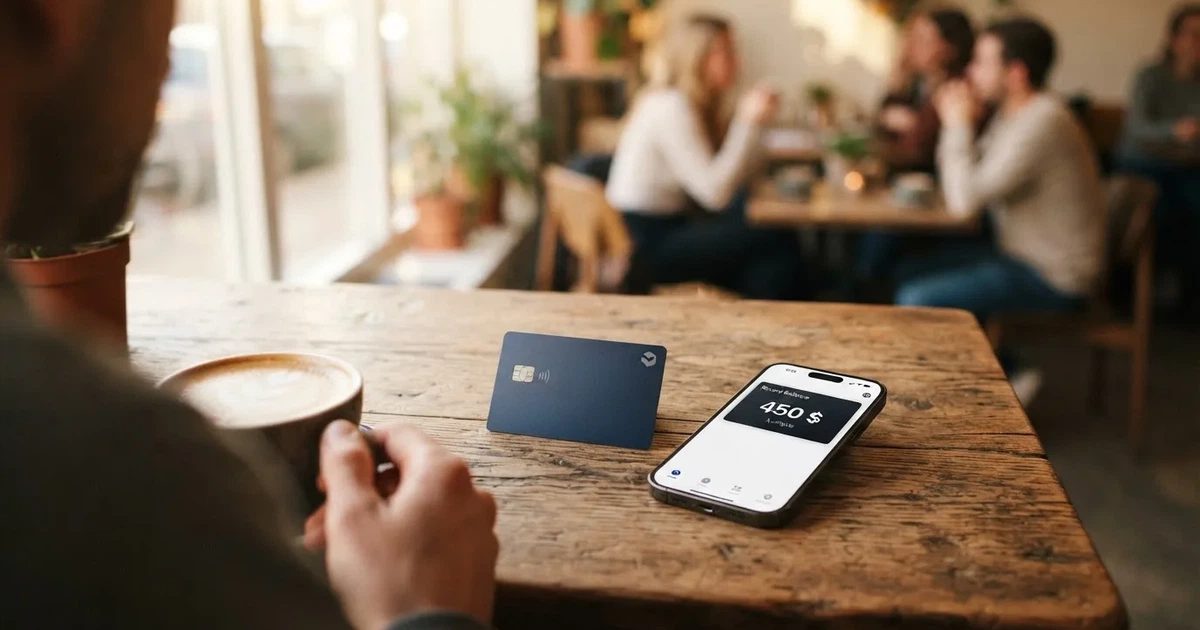
That last point shapes everything that follows. Almost every practical detail a shopper wants — what it costs to issue, which countries are allowed, what a foreign-currency payment is charged, what happens if a payment is disputed — is either shown only inside the app or not stated on the public pages at all. What I could verify is real but thin; what I could not verify is what you would be deciding on.
The conditions described here are current as of October 28, 2026.
Verdict: what the score is, and who it suits
DigitalPurse scores 5.8 out of 10 — a middle-of-the-road card that does one thing (give you a fast virtual card funded with crypto) but leaves the reader doing a lot of the digging. That number is not a punishment; it is a description. The product is genuinely convenient for its narrow job, and genuinely opaque on the details.
| Criterion | Mark | Why |
|---|---|---|
| Who can get it | 6 / 10 | The card names no country list and no sanctions list, and sets no citizenship or residency limits; the issuing region is not disclosed. |
| Cost | 5 / 10 | Officially, issuance and top-up fees are shown in the app at the moment of card creation, but no figures appear on the site and none are disclosed. Unofficial sources disagree (an App Store reviewer says $3 for a virtual card with a $6 minimum balance; cryptocards.so lists issuance, top-up and the month as free). |
| Top-up options | 7 / 10 | BTC, LTC, XMR, ETH, USDT and USDC are accepted; the card adds no extra fee on USDT and USDC. The underlying blockchain networks are not revealed, and BTC/ETH/LTC/XMR transfers can cost more. |
| Reliability and complaints | 6 / 10 | The issuer is not named and the platform is not a bank; chargebacks are not supported. Trustpilot shows 4.8 from 232 reviews, with recurring complaints about declines at Google Cloud, Azure and DigitalOcean. |
| Everyday use | 5 / 10 | It is a virtual card only, but Apple Pay, Google Pay and Samsung Pay all work. ATM withdrawals are not permitted. |
| Total | 5.8 / 10 | A convenient virtual card with thin published detail and no chargeback safety net. |
Who this suits: someone who wants a working card number in a wallet within minutes, funds it in a stablecoin to avoid extra charges, and does not need a physical card, cash withdrawals or the ability to dispute a purchase. If you shop mostly online or at contactless terminals and you are comfortable topping up from your own crypto, the card does that job well.
Who it does not suit: anyone who needs a physical card, needs cash from an ATM, wants to fight a disputed transaction, plans to pay in many currencies, or wants to read a fee schedule before committing. Because the issuer is not disclosed and chargebacks are unsupported, I would not load this card with the kind of money you would be upset to lose, and I would not treat it as a replacement for a bank account.
The audience in one line: a quick, anonymous-style virtual card funded with crypto. That promise is the appeal, and it is also the trade-off — the card leans toward privacy and flexibility rather than toward consumer protection.
Will they give you the card?
The card’s public pages do not say who can get it. There is no country list, no sanctions list, no stated citizenship or residency requirement, and the region of issuance is not revealed. So the honest answer to “can I get one in my country?” is: you cannot tell from the site. There is nothing telling you no, and nothing telling you yes either. The realistic route is to download the app, create an account, and see whether it offers you a card — that is the only test the card itself gives you.
The one demographic rule that is stated is an age floor: 18+, one account per individual. Everything else about eligibility is left to be discovered in the app.
How to get it
You get a virtual card through the app, and it is available almost immediately — there is no physical card to wait for. The sign-up path is short: download the app, “create an account,” and the card is created via the app or through a Telegram bot. The card describes itself as “available instantly.” Orders are processed right away and “may take up to 24 hours.” Nothing is mailed.
Two practical notes before you start. First, the card is virtual only — usable in-store through mobile wallets such as Apple Pay, Google Pay and Samsung Pay — and the card network and the card currency are not stated on the public pages. Second, and more important, the identity side of signup is thin. The home page says only “create an account”; the documents required for KYC are not stated.
That KYC picture is more nuanced than a flat yes or no:
- Officially, KYC is required only for certain payments or products, not as a blanket gate to the card.
- Non-KYC cards exist, and they are priced higher, because the card says they “offer greater privacy and flexibility.”
- No verification levels are defined. KYC “may” be required for some payments or products.
- Unverified users have daily and monthly order caps, but the amounts are not stated. Verified users get higher limits.
- A help article titled “Why is my KYC verification still pending?” exists (I did not read it), which tells you pending verification is a real state — but the processing time and the rejection reasons are not stated.
So the KYC question — the one people type into search most — has a real answer: some payments and products need it, and you can get a card without it at a higher price. What you cannot do from outside is predict exactly which products will ask for documents, how long a check takes, or what happens if it is refused.
Fees: what it really costs
This is the weakest part of the card, and the reason I would not treat it as a full replacement for a bank card. The card’s own words are that purchases “may be subject to handling fees,” with the amounts “detailed in the specific terms” of each product. There is no published fee schedule on the site. Creation and top-up fees are shown in the card description inside the app during creation, but the figures themselves are not published.
What is officially stated, in full:

- Creation and top-up fees scale with the amount on the privacy (Non-KYC) cards, and there are extra fees for some non-fiat funding methods.
- No percentages are published anywhere.
- Non-KYC cards cost more than reloadable KYC cards.
- Card creation and top-up fees are displayed in the app at the moment of creation.
- The terms list “Manual Cash Disbursements” and “Automated Cash Disbursements” among prohibited purchases; separately, the card states ATM withdrawals “are considered a ‘transfer of value’ and are not permitted.”
- Reloadable KYC cards are the lower-cost option; there are no named tiers, only the split between reloadable and non-reloadable cards and between KYC and Non-KYC cards.
Unofficial figures point in two directions. An App Store reviewer says the company charges an extra $3 for a virtual card and requires a minimum $6 balance. The third-party aggregator cryptocards.so lists issuance, top-up and the monthly fee as free, while also noting the platform publishes no limits. Neither is confirmed by the card. The safest reading is: assume there is an issuance cost and a top-up cost that you will see only at the moment of creation, and that the amount depends on which card type you pick and how much you load.
The costs table below assembles every figure that is actually stated. Where a cell reads “not stated,” that is a real gap in the public information, not an oversight on my part.
| Fee or limit | What the card says |
|---|---|
| Issuance fee | Not stated as a figure; shown in the app during card creation. Unofficial: $3 for a virtual card, plus a $6 minimum balance (one App Store reviewer). |
| Monthly fee | Not stated. cryptocards.so lists the month as free (unofficial, unconfirmed). |
| Card creation fee on privacy cards | Scales with the amount; no percentage published. |
| Top-up fee | Displayed in the app during creation; scales with the amount on privacy cards; no figures published. |
| Minimum top-up | Not stated. |
| Conversion / spread fee | The balance is in USD; “FIAT is converted to USD the moment it’s loaded to the card.” The spread or fee on paying in other currencies is not stated. |
| FX fee | Not stated. |
| ATM fee | ATM withdrawals are not permitted at all, so no fee schedule applies. |
| Spending limits | Virtual cards are offered with a “starting balance of up to $1,000 – $10,000.” Spend and ATM limits not stated. Unofficial: cryptocards.so lists “unlimited” while noting no limits are published. |
| Unverified caps | Daily and monthly order caps apply, amounts not stated. Verified users get higher limits. |
| Extra funding-method fee | Possible for some non-fiat methods; BTC/ETH/LTC/XMR may cost more (volatility, processing). USDT, USDC, bank transfer or mobile money are suggested to avoid extra charges. |
| Handling fee on purchases | Purchases “may be subject to handling fees”; amounts are in each product’s specific terms. |
Three everyday payments, and which fees actually bite. The card’s balance is denominated in USD, and fiat is converted to USD the moment it is loaded — so the currency conversion happens at top-up time, not at the till.
- Paying online in a US dollar store. This is the cleanest case. You funded the card in USD or USDT, so there is no conversion spread, and the only fee that could apply is the unspecified “handling fee” the terms warn about. Because it is a virtual card, you pay through a mobile wallet.
- Paying a subscription in euros. The card converts to USD when you load, so your euros — if you loaded fiat — were already turned into dollars, and the spread on that conversion is not stated. You pay the merchant in dollars. There is no published FX figure, so the real cost of this payment is the one number you cannot see.
- Taking money out at an ATM. You cannot. ATM withdrawals are treated as a “transfer of value” and are not permitted, so this is not a fee question — it simply is not available. If you need cash, this card is the wrong tool.
The pattern to notice: the fees you can plan around (top-up, USDT/USDC funding) are the ones the card keeps quiet about; the fees that are explicit are the ones that stop you doing things (no ATM, no cash disbursement).
Top up: how the balance gets filled
You top up by sending BTC, LTC, XMR, ETH, USDT or USDC, and the cheapest route the card suggests is a stablecoin or a bank transfer. Reloadable cards are topped up in the app: select the card, then “Add Funds.” Non-reloadable cards cannot be topped up — you buy as many as you want instead, which suits a one-off purchase.
What that top-up flow costs and how it behaves:
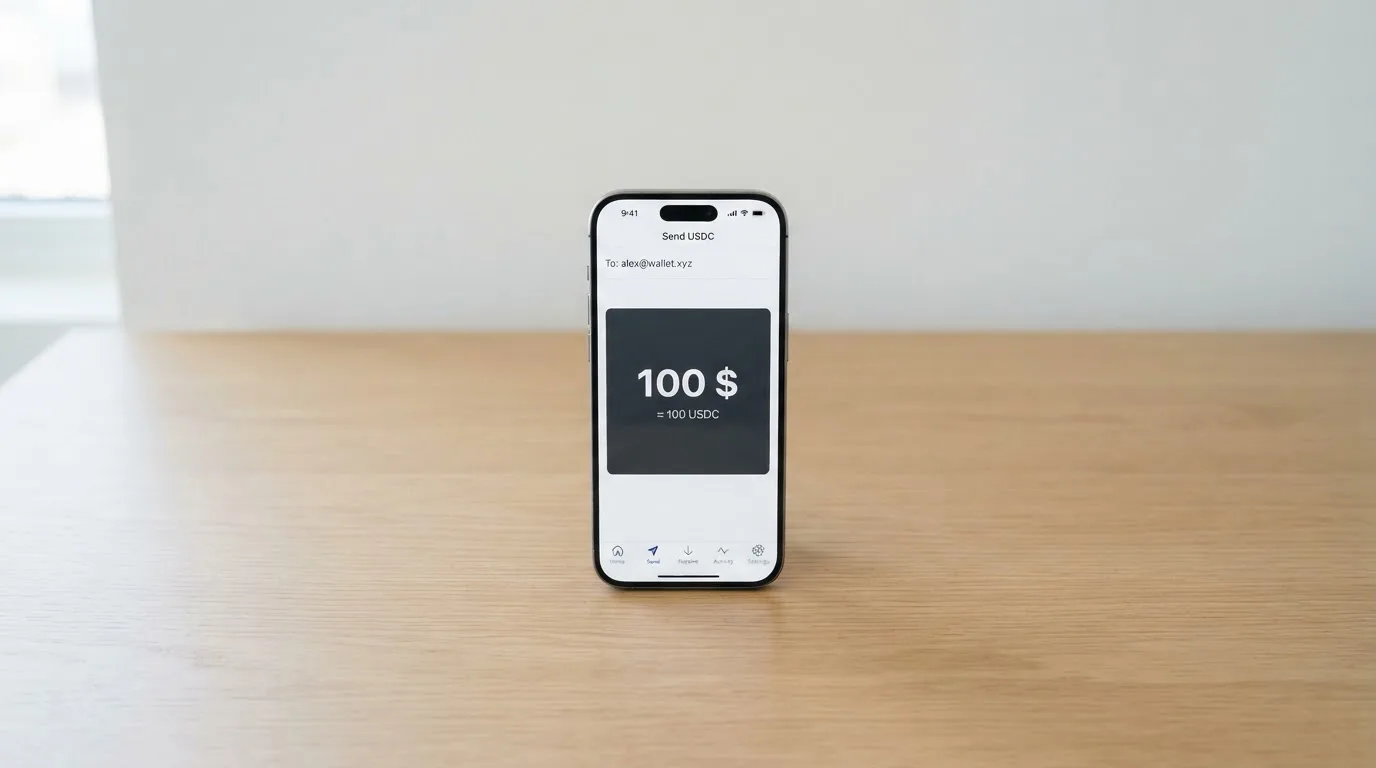
- Creation and top-up fees are displayed in the card description during creation, and on privacy cards they scale with the amount you load. No figures are published, and the minimum top-up is not stated.
- Extra fees are possible for some non-fiat methods. BTC/ETH/LTC/XMR “may cost more” because of volatility and processing time. The card suggests USDT, USDC, bank transfer or mobile money to avoid extra charges, and adds no extra fee for USDT and USDC.
- The blockchain networks themselves are not stated. This matters more than it sounds: a deposit sent on a network the provider does not support, or to an address belonging to another network, can be lost or need manual recovery with no guarantee — blockchain transfers are irreversible. Check the app for the network it gives you for each coin before you send anything.
Getting money back off the card is possible but bare. The FAQ says “Yes, you can withdraw your funds. Terms and conditions apply,” and the help center shows the path: select the active card, then More/Manage, then “Withdraw Funds.” The fees, the minimum, the timing and the destination are all not stated — so treat a withdrawal as something you would need to ask support about, not something you can plan around.
Paying with it every day
Day-to-day spending works well in the shape it offers — in stores through your phone wallet — and not at all in the shapes it leaves out. The site says the cards work at merchants that support mobile wallets such as Apple Pay, Google Pay and Samsung Pay. So your everyday routine is: hold the phone to the terminal. Because the card is virtual, that is the only physical form it takes.
What is not stated and what is restricted:
- Rewards or cashback are not stated.
- The apps exist on iOS and Android, though the site’s download buttons point to its own pages rather than the stores, and no official store rating is shown. Unofficial readings: the Android app sits at about 4.6 from roughly 170 reviews with 50,000+ installs; iOS is around 4.5–4.7 from over a thousand ratings.
- There are named categories of purchase that are prohibited, and the list is “not exhaustive”: betting and casino gambling, government-licensed online casinos, non-sport internet gaming, dating and escort services, security brokers and dealers, foreign/non-fiat currency, wires and money orders, and cash disbursements.
Two payments deserve a specific warning. First, the “foreign/non-fiat currency” prohibition overlaps with how prepaid BINs are treated in general: merchants can look up the card’s issuing country and apply extra scrutiny or decline it when it looks foreign, and some merchants decline prepaid cards outright for that reason. That is category background rather than a rule the card wrote, but it explains the recurring user complaints about declines at Google Cloud, Azure and DigitalOcean — a prepaid-BIN pattern rather than a one-off. Second, if you buy a gift code, there are no returns or refunds once the order is processed.
What can go wrong
The single biggest thing you can lose is your ability to complain, because the card states plainly: “we cannot support chargebacks.” That is the first thing to internalise. The card gives reasons — “unsustainable fraud,” blockchain finality and privacy — and says the same applies to sub-issuers. In practice, if a merchant takes your money and does not deliver, there is no chargeback route through the card network to reverse it. Returned items are refunded “to the card originally used,” but that is a merchant policy, not a scheme guarantee. There are no dispute time frames stated, and gift-code orders get no refund at all once processed.
The help center has articles on refunds that have not arrived, on double charges, and on a merchant that declined the card but still took the money — the existence of those articles tells you these are known problems. I did not read them, so I will not characterise how they are resolved.
Beyond chargebacks, here is the honest list of what could go wrong:
- Declines. User reports (third-party, unverified) describe cards being declined at Google Cloud, Azure and DigitalOcean, which points to prepaid-BIN blocking rather than anything you did. A declined authorisation can also leave a hold on your funds for up to seven days.
- The platform is a custodian. The card describes “secure encryption, minimal data collection and strict access controls,” but it also says funds are held with the platform and its sub-issuers. It is custodial by nature, so you are trusting the provider with your money. Whether the card offers in-app freeze, two-factor authentication, spending controls or insurance is not stated — one feature it does mention is that you can cap the amount loaded onto a card to limit spending, which is a real, if narrow, safety control.
- Irreversible transfers. Crypto deposits cannot be reversed. A wrong network or wrong address can mean lost funds or a support ticket with no guarantee of recovery.
- Withdrawal limbo. Withdrawal is possible, but the fees, minimum, timing and destination are not stated, and no timing promise is published.
- Third-party trust. Tether says it disables tokens in wallets on the OFAC sanctions list and has frozen funds tied to illicit activity — so stablecoin balances are not censorship-proof.
- Counterparty history. Custodial platforms have failed before (Mt. Gox, Coincheck, Ronin). That is background on the model, not a prediction about this operator — but it is the risk you accept when someone else holds your balance.
On the people behind it and the record so far: the site footer reads © DECLASSIC TECHNOLOGIES LLC 2026. The site says it is “a technology platform, not a bank” and that services “may be facilitated by third-party licensed financial institutions,” but it does not name the issuer, the registration country, or any licence. On Trustpilot the card shows 4.8 out of 5 from 232 reviews, 60 of them in the last 12 months, the most recent 19 Oct 2026, and the visible reviews are largely positive — an earlier reading via a different Trustpilot domain showed 4.5 from 192. A third-party aggregator notes that a minority of older reviews call it a scam over declined cards, slow support and high fees, and cites Reddit threads from r/Ghana and r/Nigeria that I could not verify. The same source and an App Store reviewer report non-refundable balances and an extra charge on small cards. Meanwhile support is praised by some and criticised by others for speed. No official incident is documented on the card’s own site or help center, and I found no dated licence, issuer or programme news there either. It is also worth knowing, as category background, that Visa suspended one crypto card issuer in Europe in 2018 and terminated its global agreements with FTX in November 2022 — programmes can end, and when they do the usual sequence is a notice, then spending and loading stop, then you are asked to withdraw what is left.
What to take instead
If the deciding factor for you is clarity — a published fee schedule, a named issuer, chargebacks — the three alternatives below all state more than DigitalPurse does, and each has a higher score. They are not all clearly better in every way, so read the fees rather than the totals.
| Card | Score | Who can get it | Card and cost | Fees and funding | Rewards |
|---|---|---|---|---|---|
| DigitalPurse | 5.8 / 10 | Country list not stated; no citizenship or residency limits published; issuing region not disclosed | Virtual only; currency and network not stated; issuance cost shown only in the app | Fees not stated; BTC, LTC, XMR, ETH, USDT, USDC; no extra fee on USDT/USDC | Not stated |
| Bitrefill | 6.8 / 10 | Country list not stated; access “subject to eligibility criteria” set and verified by partners | Virtual and physical Visa; EUR; free through the app; inactivity fee after 12 months (amount not stated) | Crypto-to-euro deposit spread (not stated); SEPA pay-in 1.99%; processor/ATM spreads; funding by Bitcoin, Lightning, Ethereum, USDC, USDT, Solana, BASE, Polygon, Li.Finance, Apple Pay, Google Pay, Visa, MasterCard, SEPA | 2% total cashback, “no cap” (1% per crypto deposit, 1% per purchase); payout currency per site |
| UPay | 6.1 / 10 | Country list not stated; does not serve residents of certain countries; claims support in 180+ countries; KYC partner accepts only ID issued in the same country as the user | Virtual and physical, personal and business; network not named; payments convert to USD, EUR, AED and others; cost not stated | Fees not stated; conversion may occur at payment; funds with BTC, ETH, USDT and USDC; networks not stated | No cashback stated on the card page |
| Kemy | 6.0 / 10 | “190+ countries”; “a few restrictions apply”, eligibility checked at sign-up | Unlimited virtual cards (Visa on mockups) and one physical Mastercard (contactless); virtual $15 issuance valid 3 years, $2/month; physical $250 issuance with DHL Express included, $10/month | Virtual: top-up $1.5 under $100 or 1.25% from $100 (min $5), transaction 3.5% + $1, failed transaction $0.8; physical: same top-up (min $10), failed $0.80; FX not listed; main-account deposit fee shown as 8% in the summary but 5% in the section (conflict); funds with USDT/USDC on main networks plus BTC, ETH, SOL; fiat via mobile money and virtual bank accounts | Cashback not mentioned |
Reading across the rows: Bitrefill is the one to look at first if you want a card whose fees are at least partly on the record (a stated 1.99% SEPA fee, a stated 2% cashback) and that offers a physical card — at the cost of accepting the eligibility criteria set by its partners, which you cannot see. UPay is the broadest on geography (180+ countries) but shares DigitalPurse’s habit of not publishing costs. Kemy is the only one of the four with a full price list — and also the most expensive monthly — and it is the one to look at if you want to see exactly what you will pay, even if the numbers are high. None of them supports a chargeback story better than DigitalPurse does, so if disputes are your concern, that is a question for each provider rather than a tiebreaker here.
Who I would recommend it to
I would recommend DigitalPurse to you if all of these are true: you want a card number in your phone wallet today, not a plastic card next week; you are happy funding it with USDT or USDC specifically to avoid extra charges; you do not need cash from an ATM; and you are the kind of person who is comfortable reloading a custodial balance and losing it if something goes wrong. In that case the card is a genuinely useful tool for spending crypto without touching an exchange.
I would not recommend it as your main card, and I would not load it with money you cannot afford to lose — because the issuer is not disclosed, there is no chargeback, and the fee schedule only appears in the app. If you need dispute protection, a physical card, or published costs you can read before you commit, one of the alternatives above will serve you better. And if you are somewhere the card’s country rules would matter, the honest first step is not reading this page but opening the app: the site will not tell you whether you are eligible, so the app is the only real answer.
Frequently asked questions
What is the DigitalPurse card?
DigitalPurse is a virtual payment card funded from a crypto balance. You load BTC, LTC, XMR, ETH, USDT or USDC, and the balance sits in USD for spending through a mobile wallet. It is virtual only, so there is no plastic card and no ATM withdrawals. The company behind it describes itself as a technology platform, not a bank.
How does the DigitalPurse card work?
You convert or top up a balance, and the card spends only that balance, so it cannot overdraw. Spending happens in-store through Apple Pay, Google Pay or Samsung Pay, or online through those wallets. Some payments and products may require KYC, and unverified users carry daily and monthly caps.
Is DigitalPurse a bank?
No. The site says it is “a technology platform, not a bank,” and services may be facilitated by third-party licensed financial institutions. The issuer is not named, and the registration country and any licences are not stated. This is why the card does not support chargebacks.
Who owns DigitalPurse?
The site’s footer reads © DECLASSIC TECHNOLOGIES LLC 2026. That is the only ownership detail published. The card-issuing institution is not named, which is a separate and important gap — you are funding a platform whose issuer you cannot identify from the public pages.
Does the DigitalPurse card require KYC?
Only for certain payments or products. Non-KYC cards also exist and cost more, because they are said to offer greater privacy and flexibility. Unverified users have order caps (amounts not stated) and verified users get higher limits. Processing times and rejection reasons are not stated, so you cannot predict which purchase will trigger a check.
How much does the DigitalPurse card cost?
The card does not publish figures. Issuance and top-up fees are shown in the app during card creation and scale with the amount on privacy cards, and purchases “may be subject to handling fees” detailed in each product’s terms. Unofficial reports disagree: one reviewer says $3 for a virtual card with a $6 minimum, while another source lists issuance, top-up and the month as free.
Is the DigitalPurse card free?
Treat it as not free. There is an issuance cost and a top-up cost, but the amounts live only inside the app. The one card type that is described as the lower-cost option is a reloadable KYC card; Non-KYC cards are priced higher. If the exact number matters to you, you will only learn it at the moment you create the card.
How do I top up the DigitalPurse card?
Open the app, select your reloadable card, and choose “Add Funds,” then send BTC, LTC, XMR, ETH, USDT or USDC. USDT and USDC carry no extra fee and are the cheapest route; the cryptocurrencies may cost more. Check the network the app shows for each coin before sending, because the provider’s supported networks are not published and transfers are irreversible.
Can I withdraw money from DigitalPurse?
Yes in principle — the help center shows select card, then More/Manage, then “Withdraw Funds” — but the fees, minimum, timing and destination are not stated. Note that ATM withdrawals are not permitted at all, treated as a “transfer of value.” So plan a withdrawal with support ahead of time rather than assuming it is instant or free.
Is the DigitalPurse card safe?
Treat it as custodial and without a chargeback safety net. The platform holds your funds, the issuer is not named, and “we cannot support chargebacks” is stated plainly. Reviews are largely positive on reliability (Trustpilot 4.8 from 232), but declines at Google Cloud, Azure and DigitalOcean and non-refundable balances are recurring complaints. Cap what you load to limit the damage.
Virtual cards – cryptocardpedia.com
Content created by the «cryptocardpedia.com» team